📚 Keep Online Progress When Changing Course Dates
Move learners to another date without losing their completed online work.
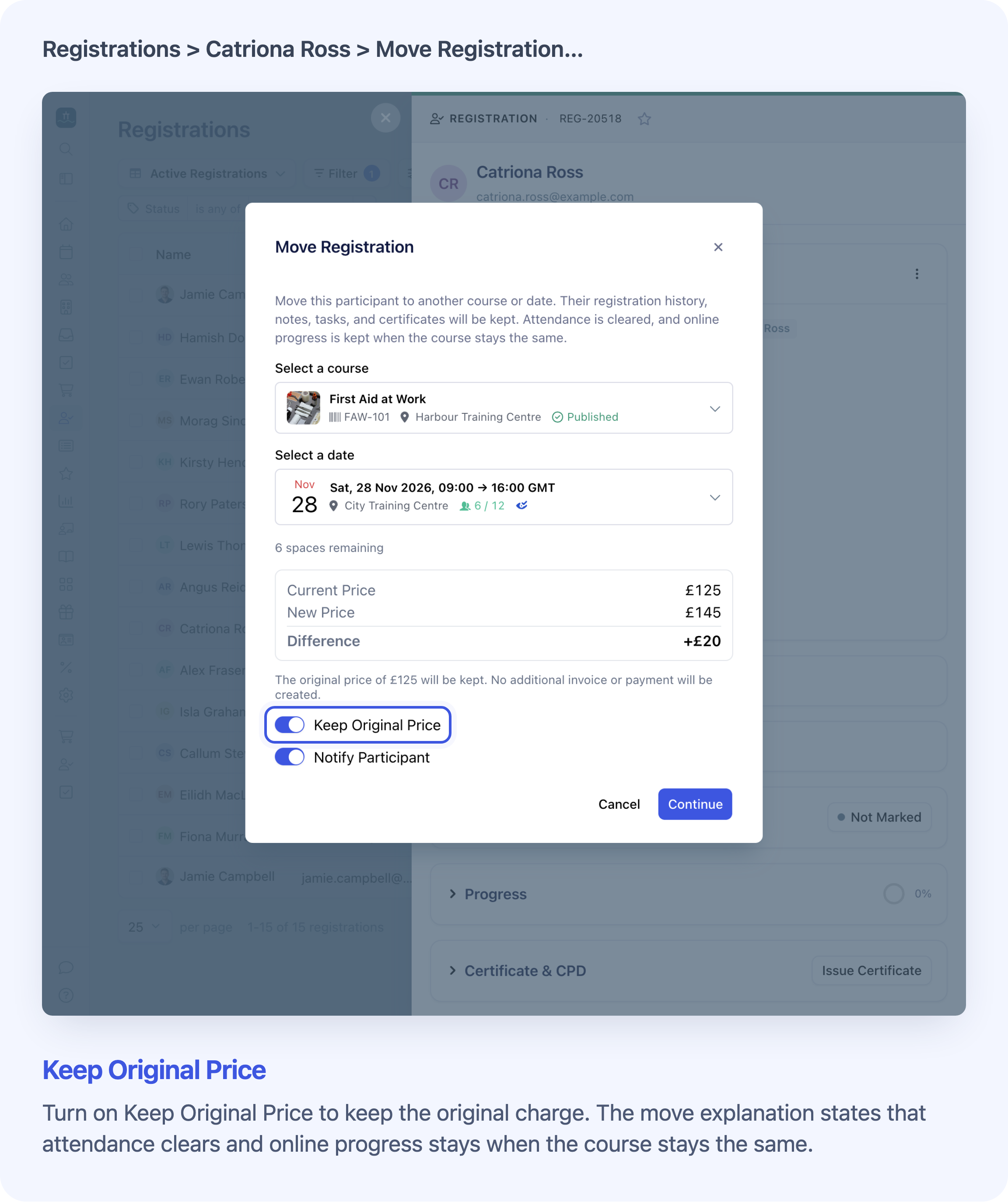
Choose another date of the same course. The Keep Original Price toggle controls the charge; online progress is kept automatically.
When you move a learner to another date of the same course, Cademy now keeps their online lesson progress. A date change no longer makes completed lessons look unfinished.
This is useful for blended courses, which combine online lessons with live training. If someone has done their preparation but needs a later training date, you can move their place without asking them to repeat completed online work.
For one learner, open their Registration in Registrations, then choose ⋯ → Move Registration…. To move everyone booked on one course within an order, use Change Course or Date… on that order. Keep the learner and course the same, and check the destination before confirming.
If you see Keep Original Price, it controls whether the original charge is retained. You do not need to switch anything on to keep online progress when only the date changes.
Online progress stays; attendance starts again
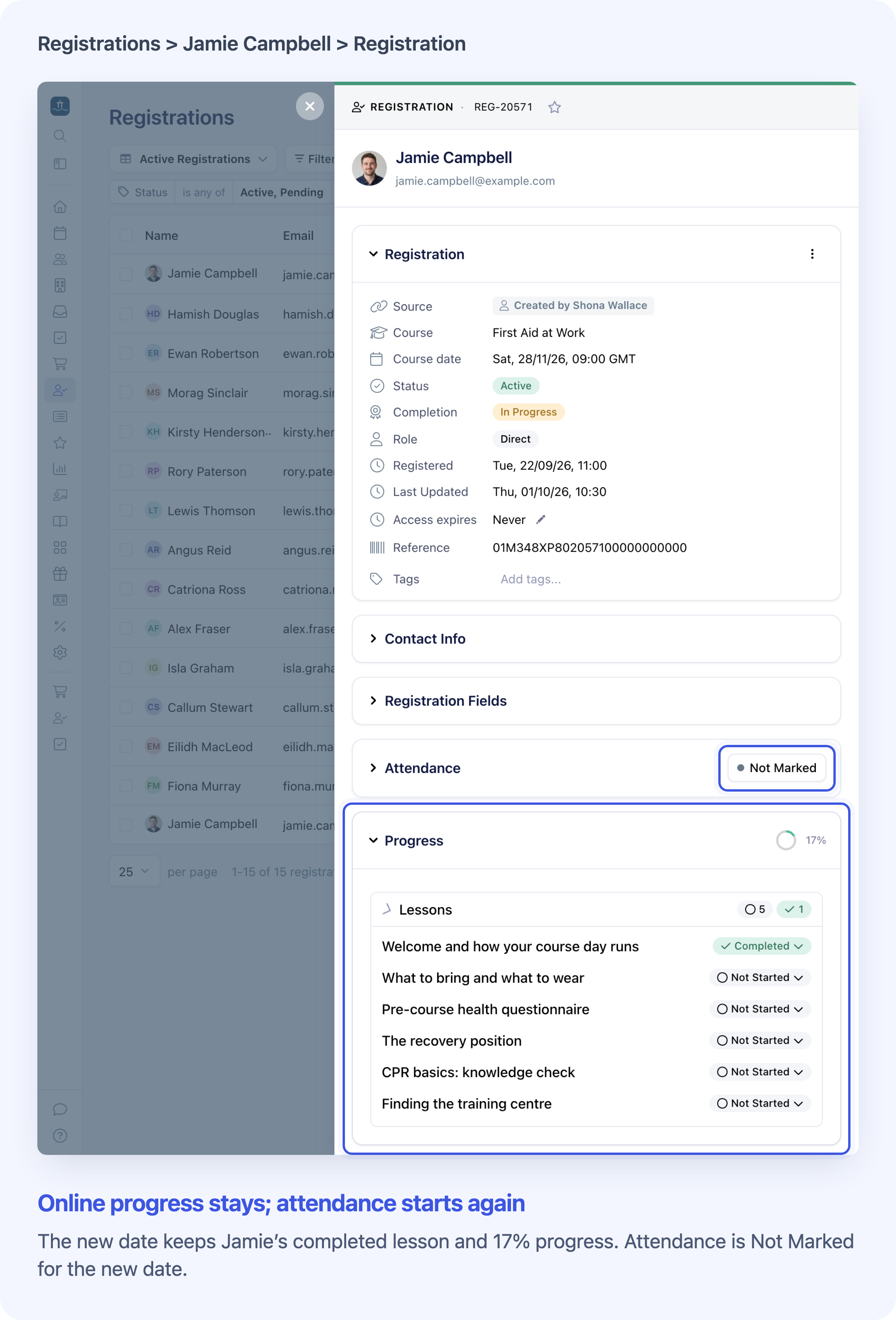
Online work stays with the learner. Attendance must be recorded for the new date.
Both partial and fully completed online work are kept, including:
- The status of each online lesson and the overall progress percentage.
- The original completion time for each finished lesson.
- Recorded learning time and activity totals.
Attendance and whole-course completion reset for the new date. Record attendance again when the learner attends. Even with 100% online progress, a blended learner still needs to meet the live attendance requirements before the course is completed.
The same rule applies to registrations linked to an order, registrations added directly or imported, and date changes made through an order.
See Move or Transfer a Participant to Another Date or Course for the full procedure, permissions and price checks.
Completed lessons stay open
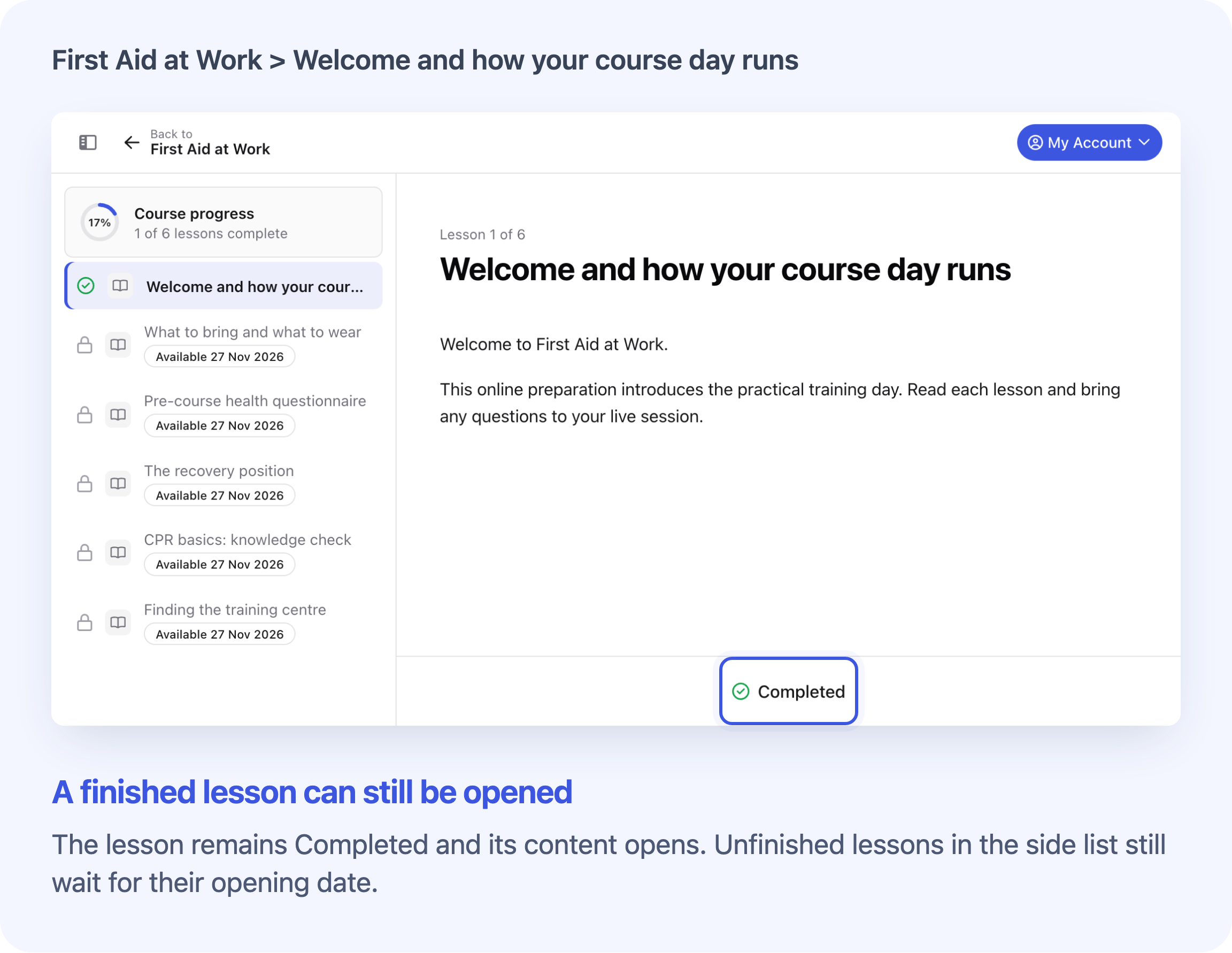
The completed lesson can still be opened. Unfinished lessons follow their opening schedule.
Moving to a later date can also move lesson opening times. A finished lesson now stays available even if its own opening time would fall in the future. The learner still needs valid course access and must meet any other requirements, such as an earlier quiz or form.
Unfinished lessons continue to follow their schedule. Opening times and due dates set relative to the training date follow the new date; fixed dates and enrolment-based rules keep their own calculation.
Lesson reminders skip completed work. Reminders for unfinished lessons follow the revised schedule, subject to the usual access and email settings.
See Release Lessons Over Time and Set Due Dates for scheduling and reminder details.
Frequently asked questions
Do I need to turn this on?
No. Progress is kept automatically when an eligible move changes only the date for the same learner on the same course. Keep Original Price is a separate price control, not a progress setting.
Why does a learner show In Progress when their online work is at 100%?
Online progress and whole-course completion are separate. After a date move, at least one completed lesson gives the Registration an In Progress completion status. With no completed lessons, it becomes Not Started. Attendance from the old date is cleared, and the whole-course Completion Date resets.
Can I move a Registration that has already completed?
Move Registration… remains unavailable for registrations that have already completed or been cancelled. A Registration holding a certificate or CPD award cannot be moved on its own either. Changing the course or date through an order follows a separate process and can revoke existing awards. Check the move guide before changing awarded training.
Does progress carry over to a different course or another person?
No. Moving to a different course still clears the Registration's online progress. Replace Participant… also gives the replacement person a fresh start, without another learner's completed work.
What if I mark a lesson complete or reopen it myself?
A lesson you mark completed also bypasses its own timed opening restriction. If you make it unfinished again, that restriction applies again until its opening time. See Reset or Correct a Learner's Lesson Progress for the controls and their consequences.
Will this restore progress lost before the update?
No. This keeps the progress saved when a date move happens; it does not recover work cleared by an earlier move. You can correct a learner's recorded lesson status after checking the work, but marking it completed records a new completion time rather than restoring the original one.
Can learners now reschedule themselves after starting online work?
No. The existing self-service rescheduling rules still apply. Learners who have already started online work need their course provider to arrange the date change.
Does keeping online progress also keep the same price?
Progress and pricing are separate. The existing price checks still apply to the move you choose. Review any difference before confirming; the move guide explains the options for an individual place and a whole course on an order.