4 December 2025 · Product Updates
Control VAT When Creating Bookings and Orders
Override VAT handling for individual admin-created bookings or orders.
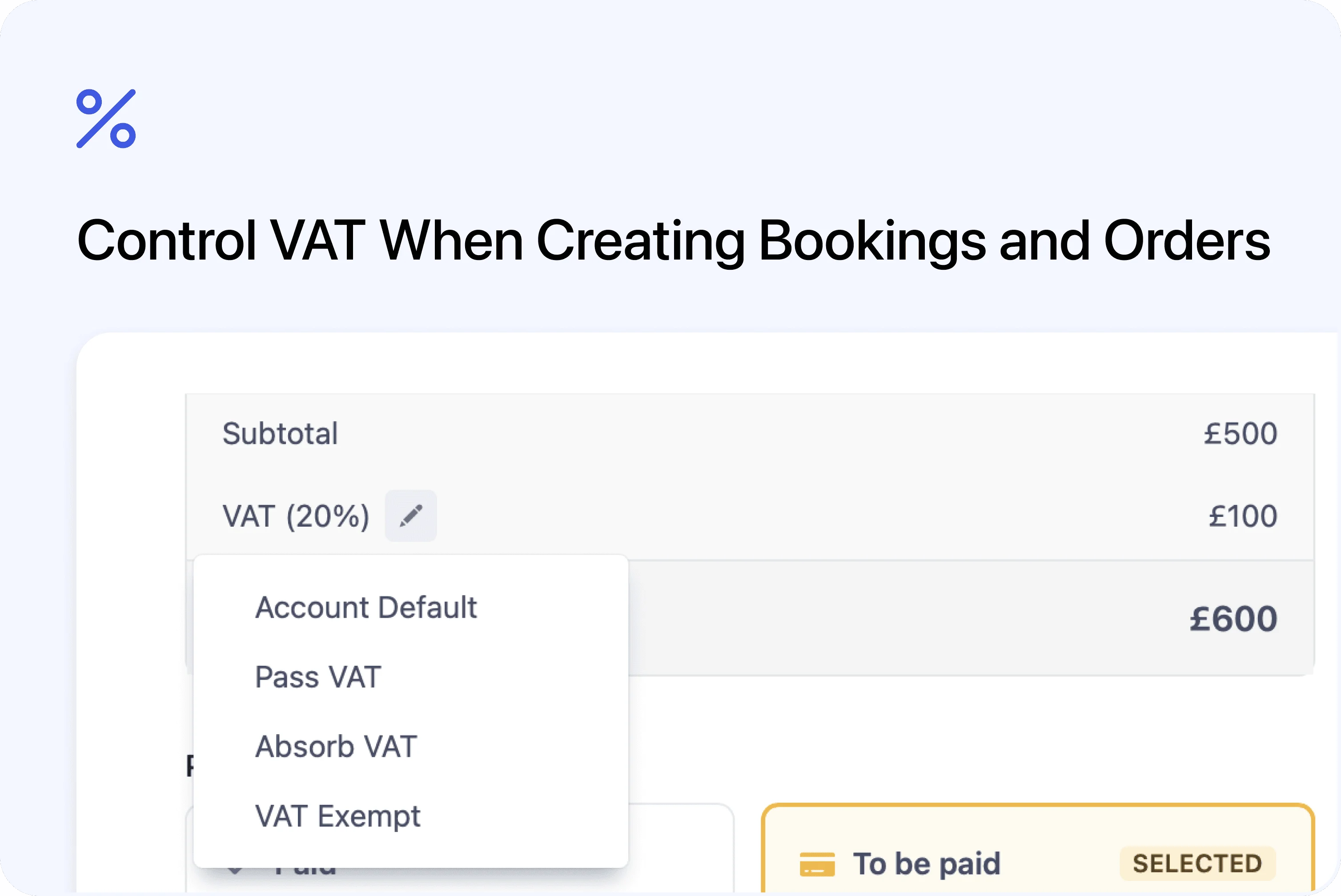
Choose how tax is applied per booking
Admins can now control how VAT is applied when creating bookings or orders. This makes it easier to handle VAT-inclusive pricing, VAT-exclusive pricing, or VAT-exempt cases on a per-booking basis.
What’s new
VAT application selector
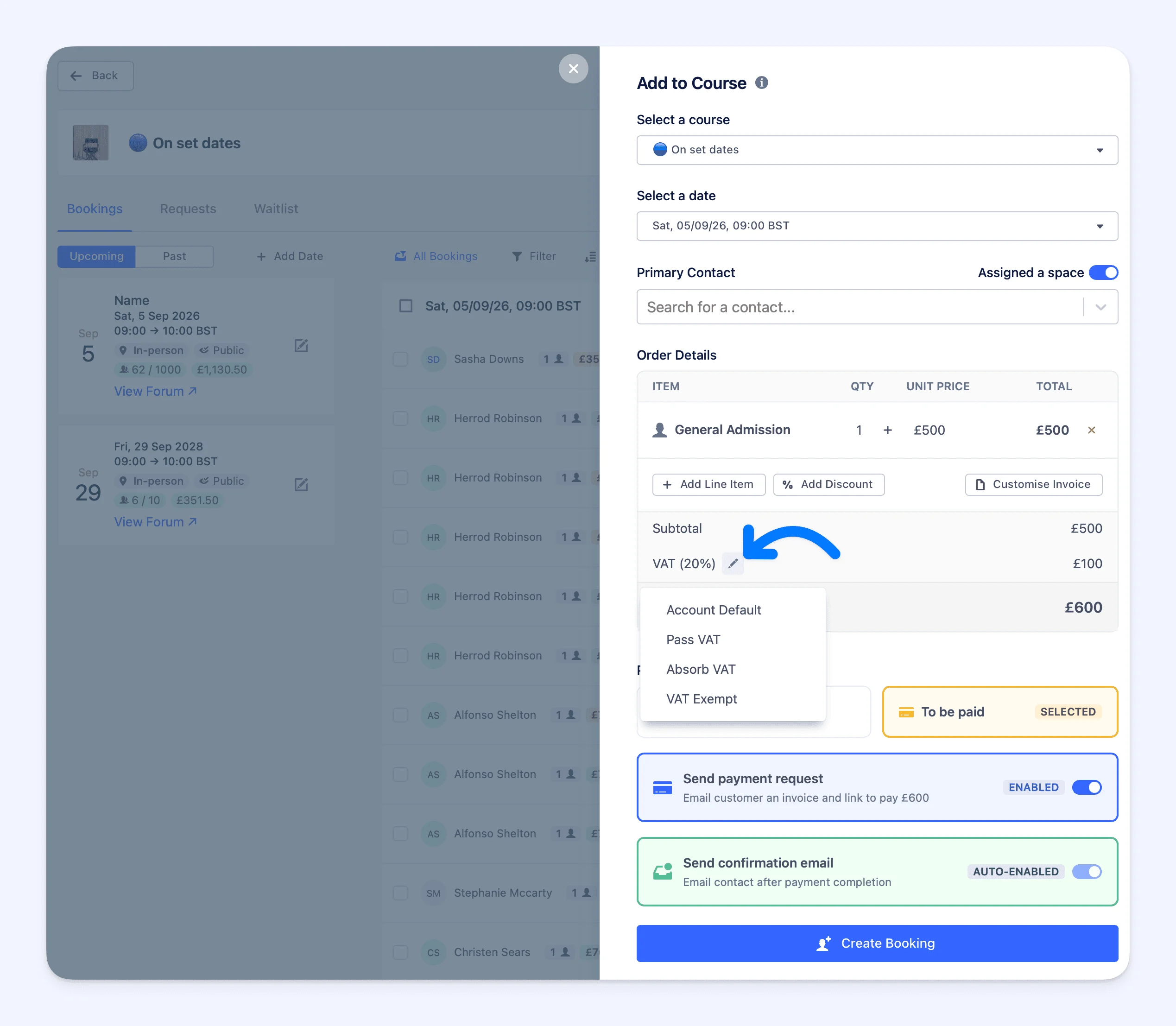 When creating a booking or order, a new option is available to choose how VAT is handled.
You can select one of the following:
- Account default – uses your existing VAT settings
- Tax included in price – VAT is absorbed into the price
- Add tax to price – VAT is added on top of the price
- No tax (VAT exempt) – no VAT is applied or collected
More flexibility for admin-created bookings
This is useful when:
- Prices already include VAT
- VAT should be added manually
- A booking or order is VAT exempt
Each booking or order can now reflect the correct tax treatment without changing account-wide settings.