🧩 Custom Fields for Courses and Occurrences
Store extra details on courses and specific course dates.
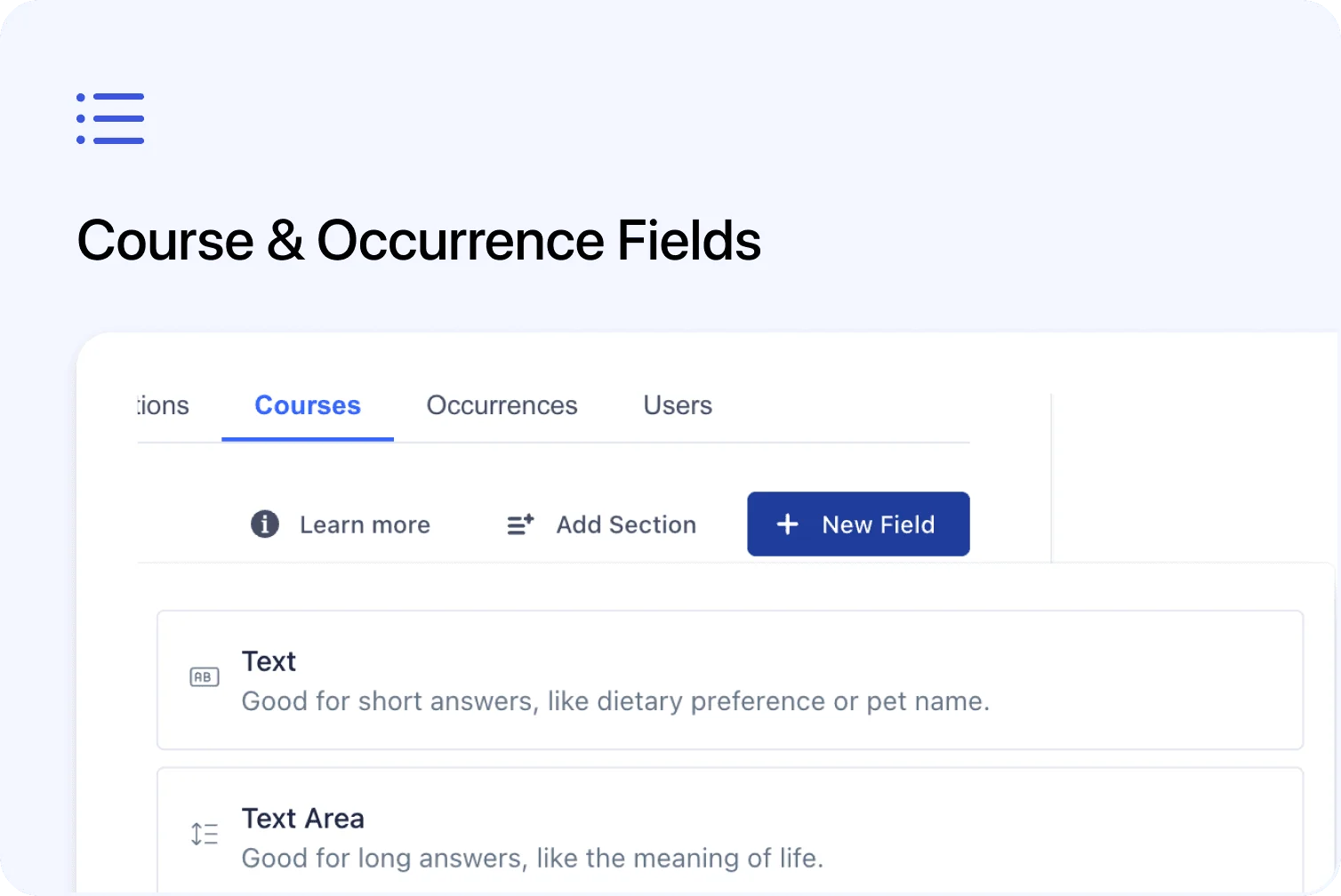
You can now create custom fields for Courses and Occurrences.
This gives you more flexibility to store extra information directly on a course or a specific course date.
You can manage these fields from Settings → Fields, just like custom fields for Contacts, Registrations, and Organisations.
What’s new
📚 Custom fields for Courses
You can now create custom fields for Courses from:
Settings → Fields → Courses
These fields appear in the course editor, in the Advanced Settings area.
You can use course fields to store extra information that belongs to the course itself, such as:
- CPD points
- Internal course reference
- Special directions
- Link to map
- Required equipment
- Internal delivery notes
This helps keep course-specific information in one clear place.
📅 Custom fields for Occurrences
You can also create custom fields for Occurrences from:
Settings → Fields → Occurrences
These fields appear in the occurrence editor.
You can use occurrence fields to store information that belongs to a specific course date, such as:
- Session budget
- Admin contact details
- Parking directions
- Minimum exam score
- Minimum places needed
- Caterer information
- Room setup notes
This is useful when each course date may have its own details or requirements.
📤 Included in course date exports
Custom Course and Occurrence fields are included when exporting course dates from the Date List View.
This means you can add custom information to courses and occurrences, then review it in your exported spreadsheet.
To export course dates:
- Go to Courses
- Switch to Date List View
- Choose Upcoming Dates or Past Dates
- Apply filters if needed
- Click Export
The exported file will include the relevant custom field values.
Why this matters
Custom fields make it easier to store the extra details your team needs to manage courses and course dates.
Instead of keeping this information in separate notes, spreadsheets, or internal messages, you can save it directly where it belongs:
- Course-level information on the Course
- Date-specific information on the Occurrence
This makes the information easier to find, update, and export.
Good to know
More uses are planned
This is the first version of Course and Occurrence custom fields.
In the future, these fields may also be used in places such as email templates, certificates, and other mail merge areas.
Where to find it
To create Course fields:
Settings → Fields → Courses
To create Occurrence fields:
Settings → Fields → Occurrences
To update values:
- Open a course and go to Advanced Settings
- Open an occurrence and update the custom fields in the occurrence editor