
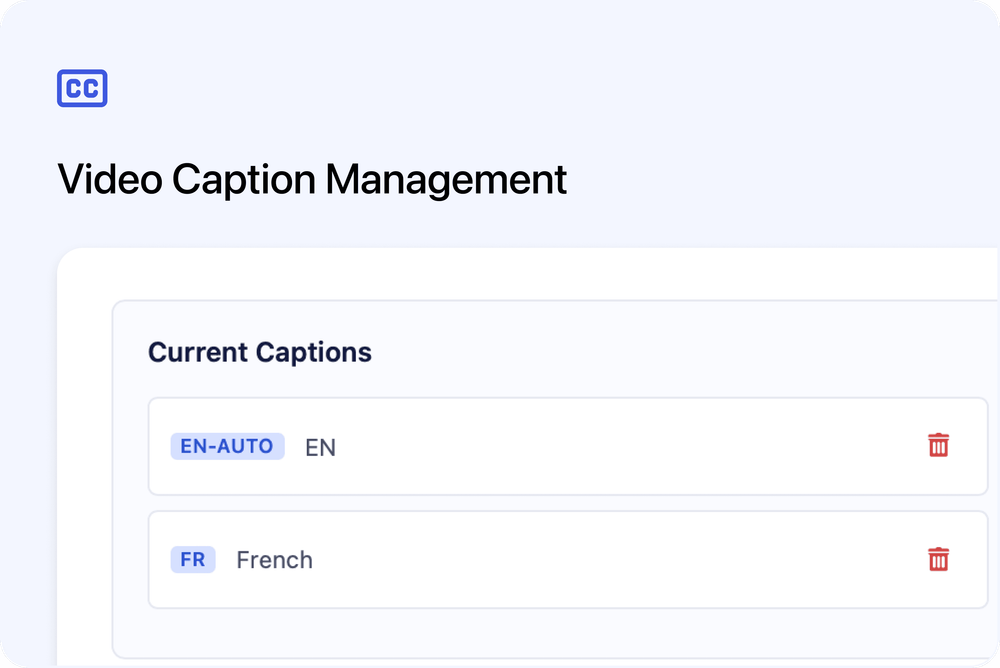
We’ve made it easier than ever to make your video content accessible with our new caption management features.
Upload Your Own Captions
You can now upload caption files directly to your videos in the Media Library. Simply click the menu on any video, select “Manage Captions”, and upload your .vtt or .srt file. We support 18 languages, so you can provide captions for learners around the world.
Auto-Generate Captions (Teams Plan)
No caption file? No problem. Teams plan users can now generate captions automatically with a single click. Our AI-powered transcription will analyse your video and create captions for you - perfect for quickly making your content more accessible.
Why Captions Matter
- Accessibility: Help learners who are deaf or hard of hearing
- Comprehension: Support non-native speakers and different learning styles
- Flexibility: Let learners watch in sound-sensitive environments
Available to all users. Auto-generated captions available on the Teams plan.
To get started, head to your Media Library and click “Manage Captions” on any video.