Add videos directly to your course description
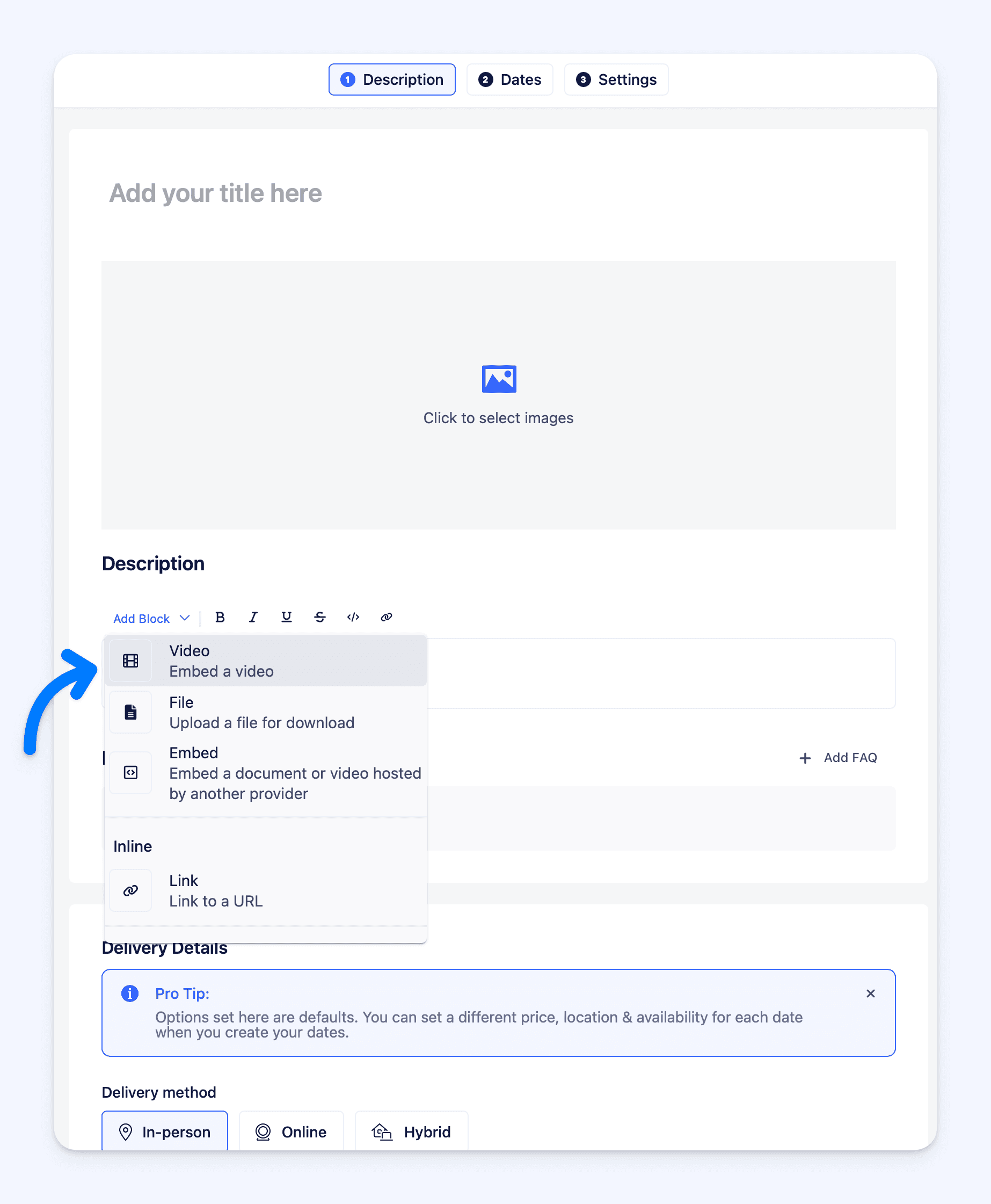
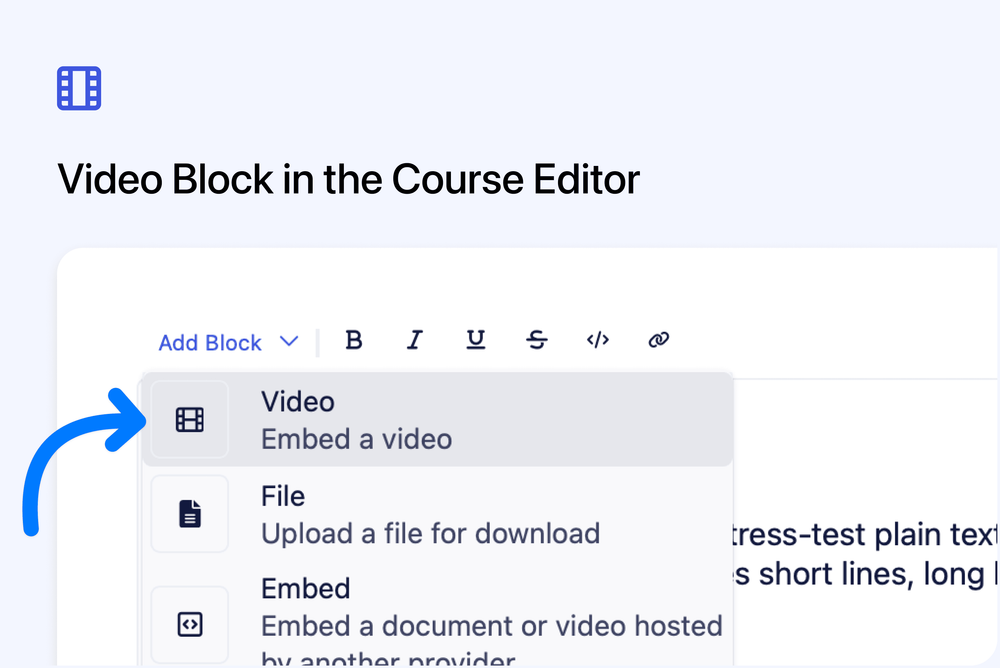
You can now add videos to your course description using a new Video block in the editor.
This lets you embed video content directly into the public course page, alongside text and other content blocks.
What’s new
- New Video block available in the WYSIWYG editor
- Videos can be added directly to course descriptions
- Displays on the public course page
- Useful for introductions, previews, or explainer videos
Where to find it
Course editor - Course description editor (WYSIWYG)