
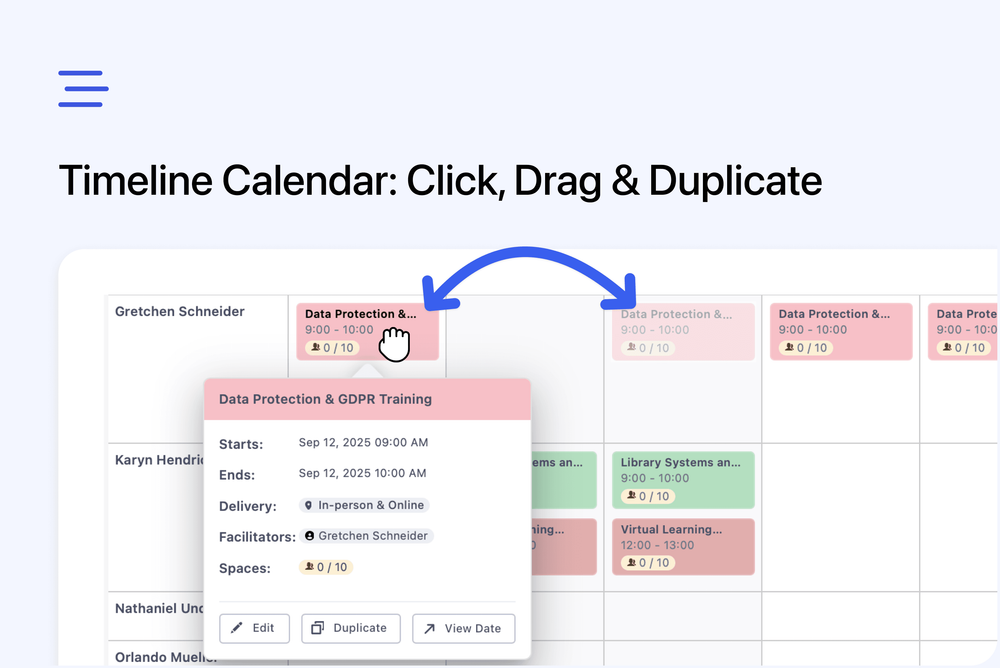
We’ve added several time-saving features to the Timeline & Calendar Views in the Admin dashboard to make scheduling even faster:
Click to Create - Click anywhere in the timeline to quickly add a new event — no need to navigate into the course or dates editor.
Drag to Change Time - Drag events to adjust their time instantly, right on the calendar.
Quick Duplicate - Hover over an event to open a pop-up and duplicate it in one click.
These updates make it easier to manage your schedule on the fly — especially when juggling multiple dates or facilitators.