Create discounts that apply automatically based on checkout rules
You can now create discounts that apply automatically when specific conditions are met. Rule-Based Discounts give you full control over when discounts apply, without relying only on promo codes.
What’s new
Rule-Based Discounts
Discounts can now apply automatically when defined checkout rules are met.
You can create rules based on:
- Checkout total
- Number of spaces booked
- Contact tags
- Organisation tags
Rules can be combined using multiple conditions or groups. If all rules are met, the discount is applied automatically.
Automatic or promo code based
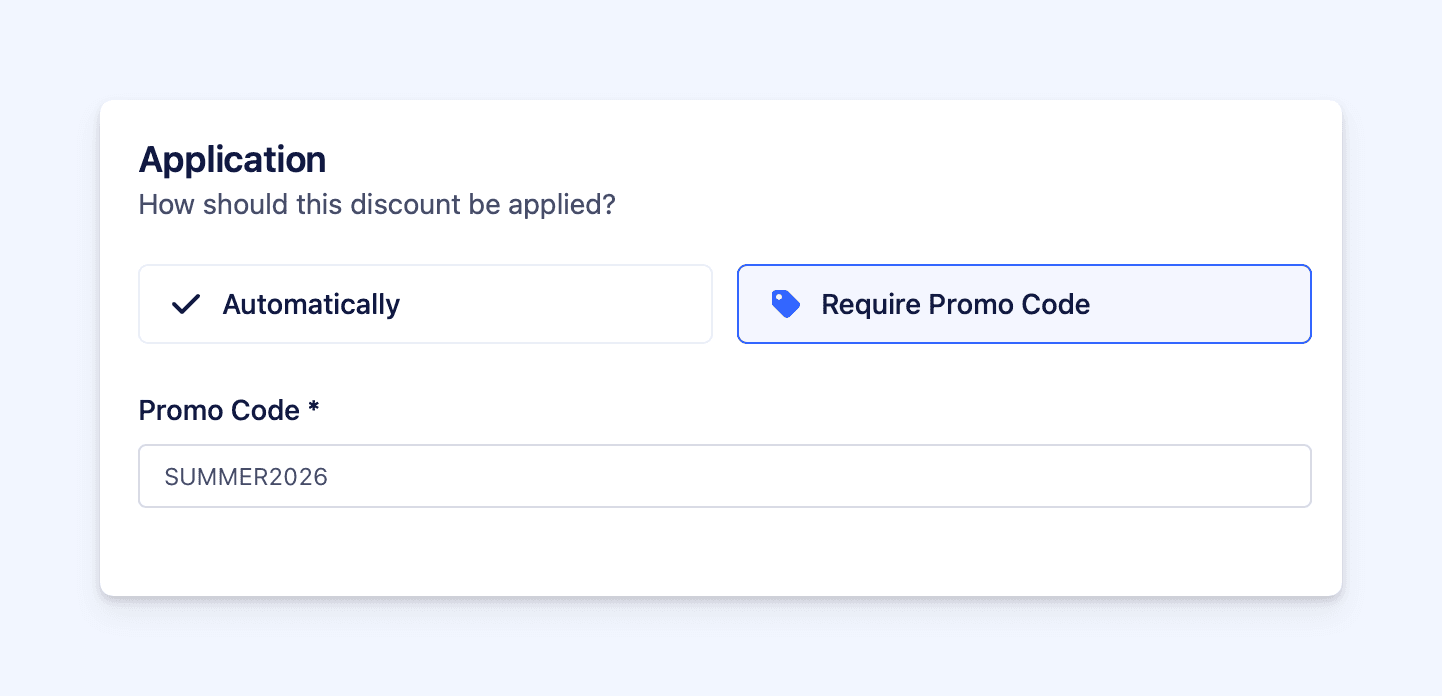 Each discount can be applied in one of two ways:
- Automatically - no promo code required
- Require promo code - applied only when a valid code is entered
Both types can be used together in the same checkout.
Multiple criteria supported
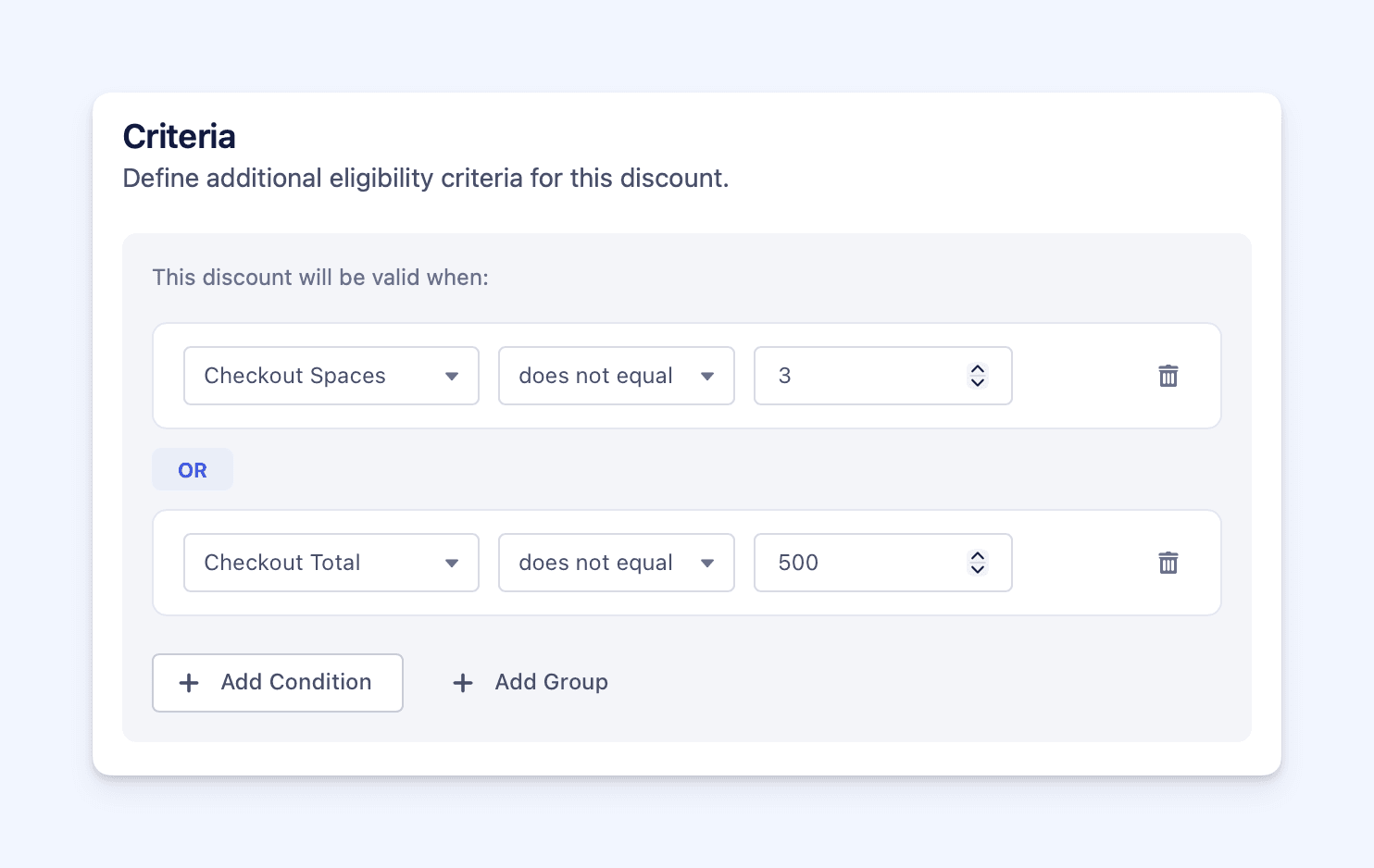 You can combine multiple rules to control exactly when a discount applies.
- Add multiple criteria to a single discount
- Group criteria when needed
- Use OR between groups
- The discount applies only when the criteria are met
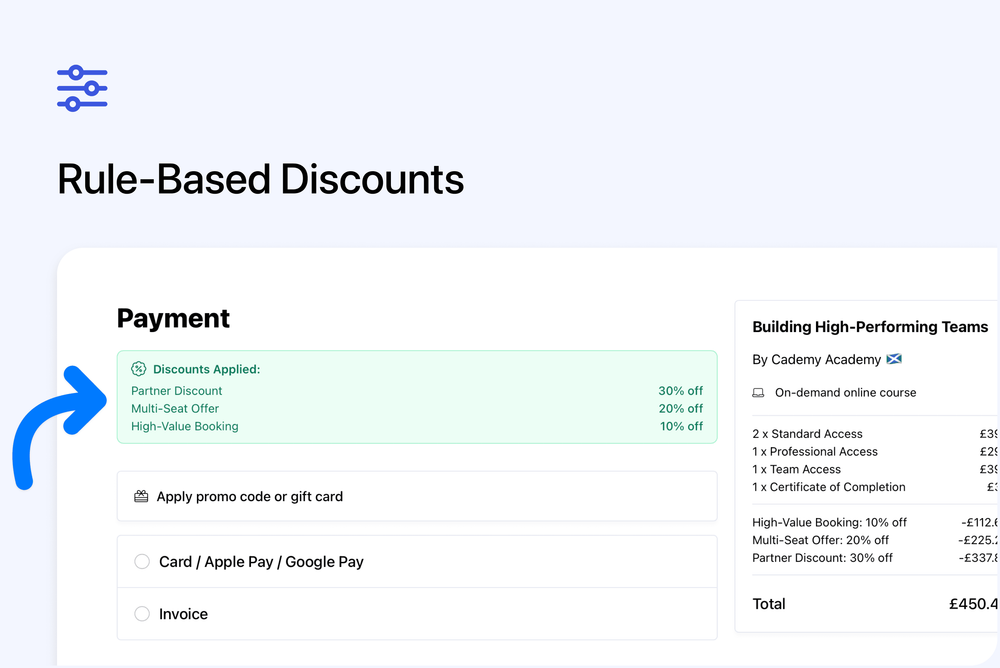
Clear discount breakdown at checkout
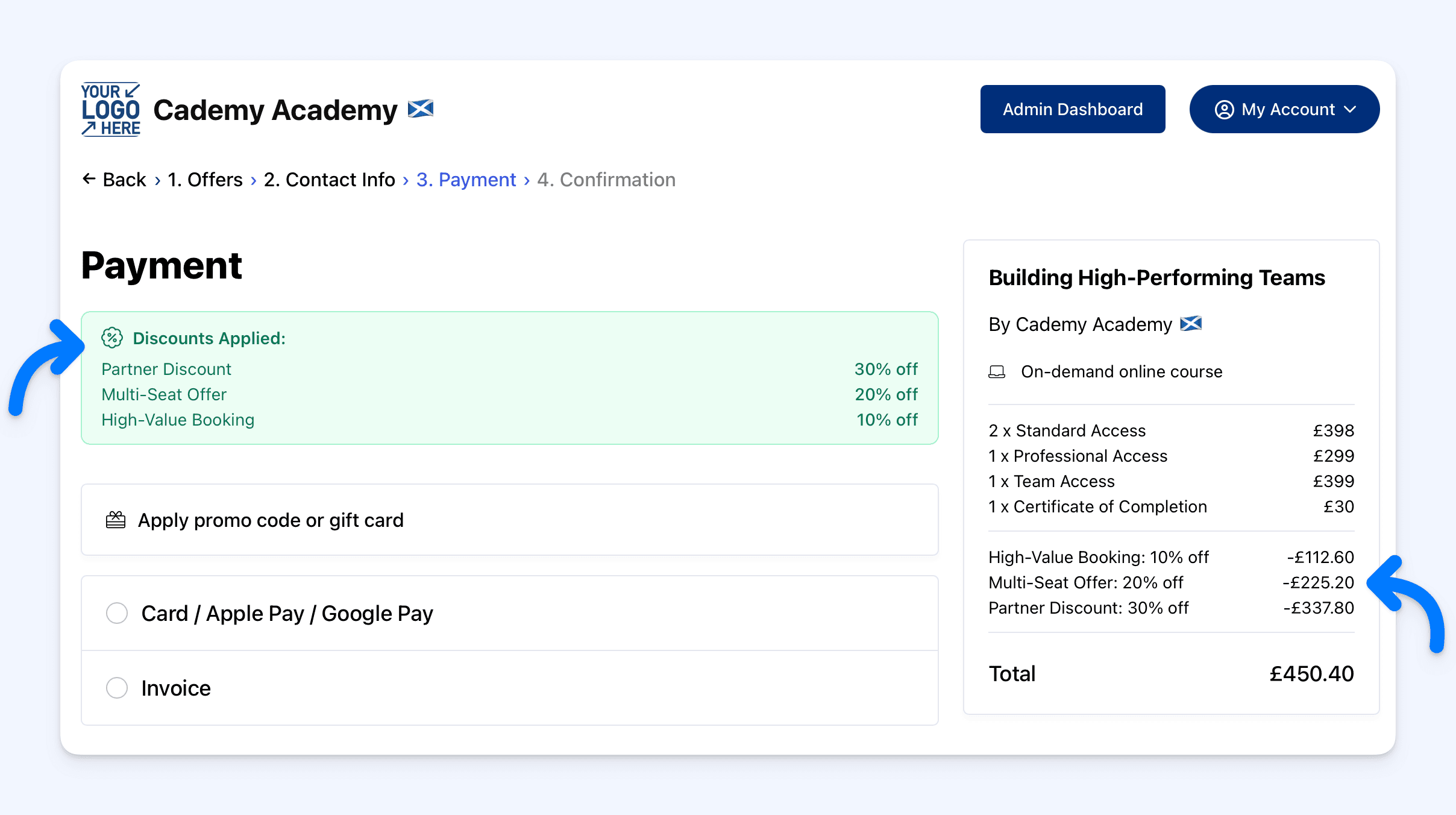 Customers can clearly see which discounts were applied.
Applied discounts are shown on the Payment step. Each discount is listed separately. The booking summary shows a full discount breakdown.
Course and collection targeting
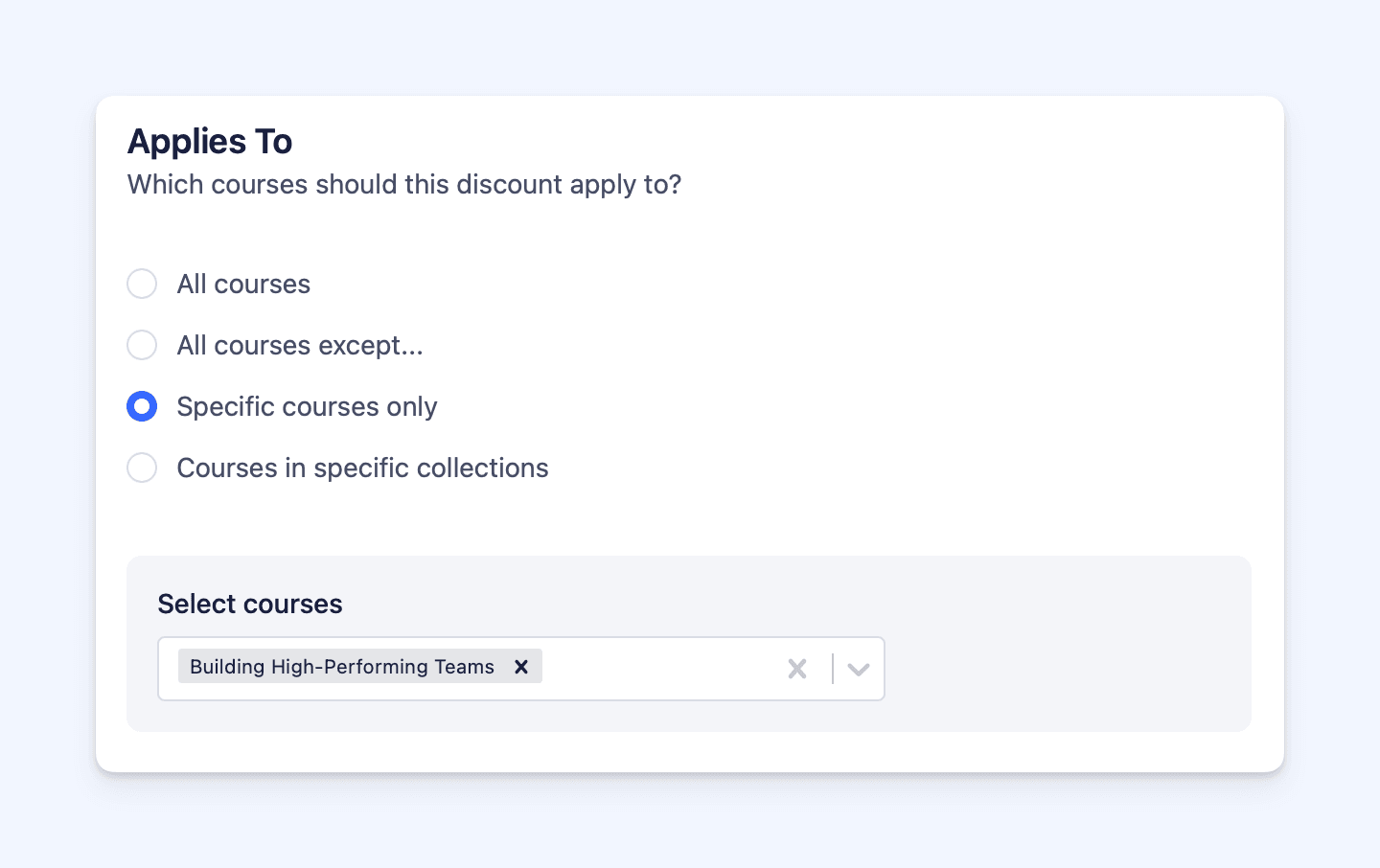 Discounts can be limited to:
- All courses
- All courses except selected ones
- Specific courses only
- Courses in specific collections
Availability and visibility controls
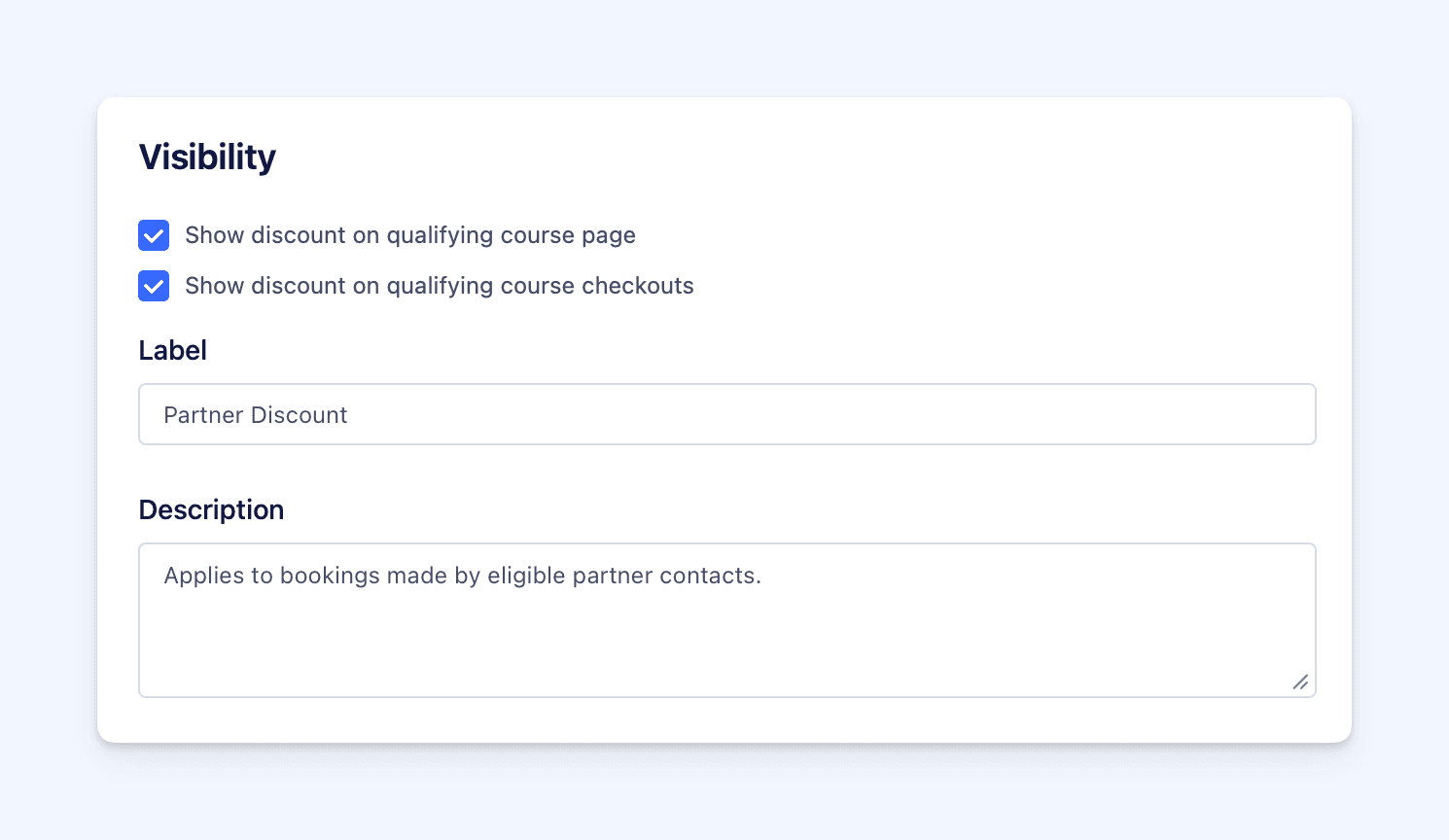 You control when and where discounts appear.
Optionally set a start and end date, or leave empty to keep the discount always active. Choose whether the discount is shown on:
- Course pages
- Checkout pages
Visibility controls display only. Automatic discounts still apply even if hidden.
Multiple discounts supported
Multiple discounts can apply to the same booking, as long as all rules are met.
Where to manage this
Admin dashboard
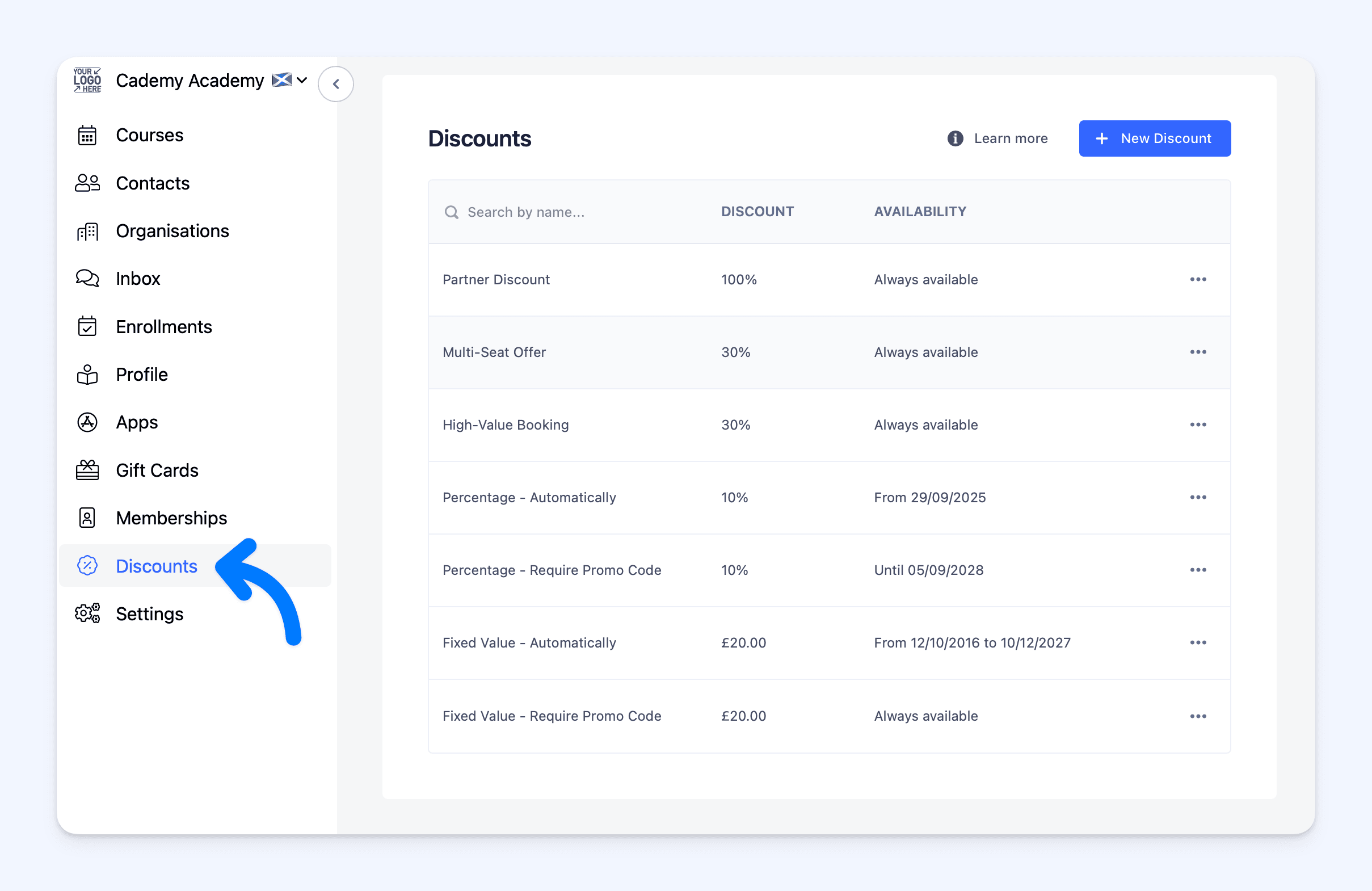
Discounts