
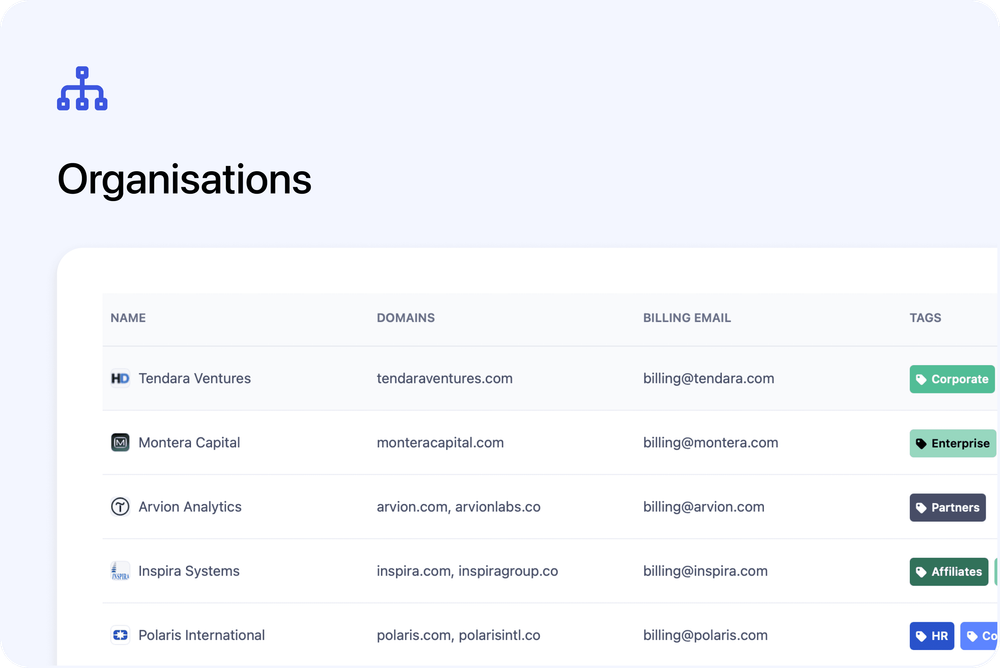
You can now manage your business customers more easily with the new Organisations section in the admin dashboard. This first phase introduces a dedicated place to store company details, link contacts, and review all enrollments belonging to the same organisation.
Organisations are admin-only for now, with more improvements coming soon to support smoother workflows for corporate clients.
What’s new
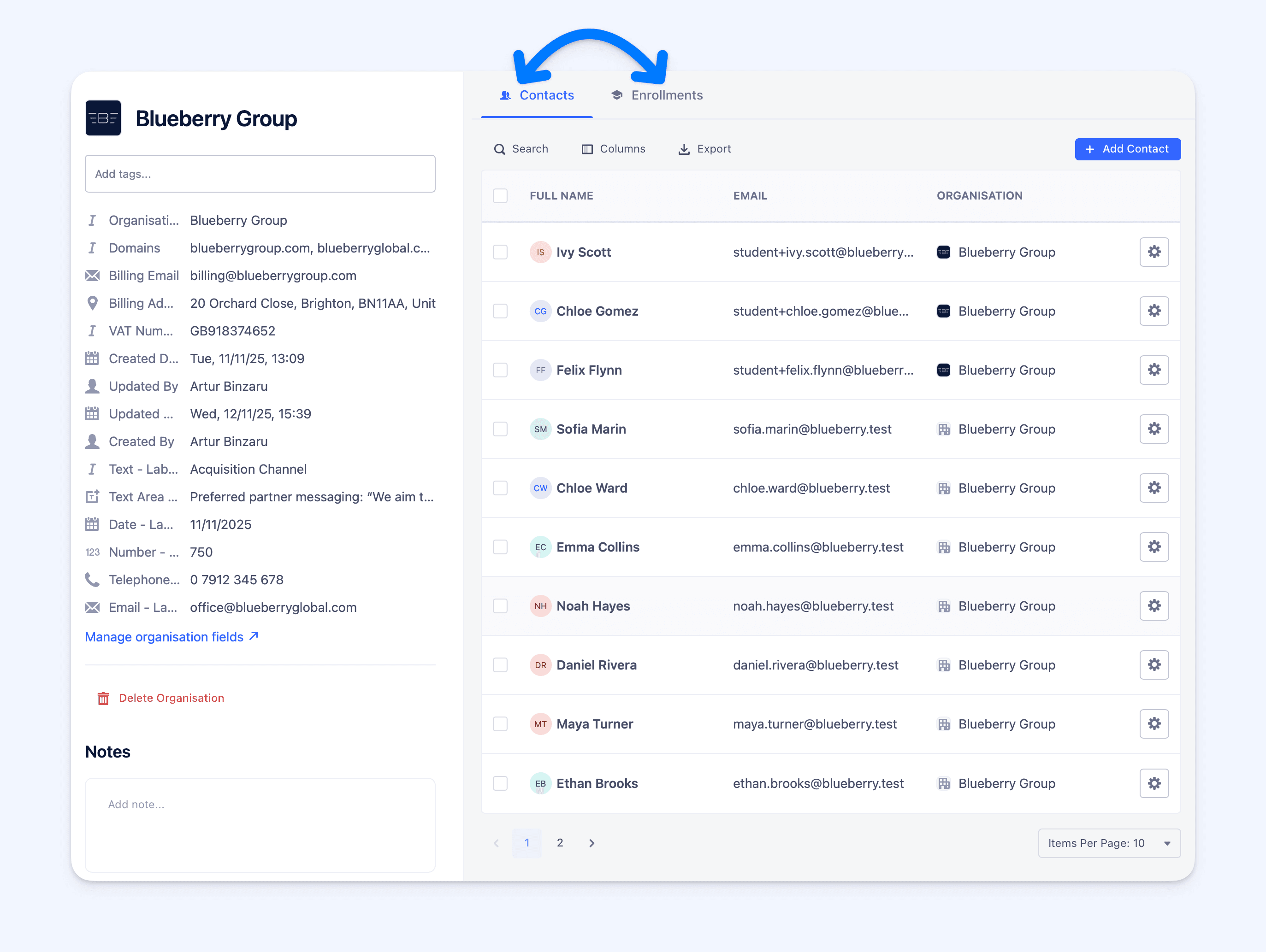
👥 Linked Contacts and Enrollments
Organisations act as a hub for all related activity. You will see all contacts linked to an organisation, along with every enrollment associated with those contacts. From here you can filter, export, or bulk email as needed, and you can add or remove contacts at any time.
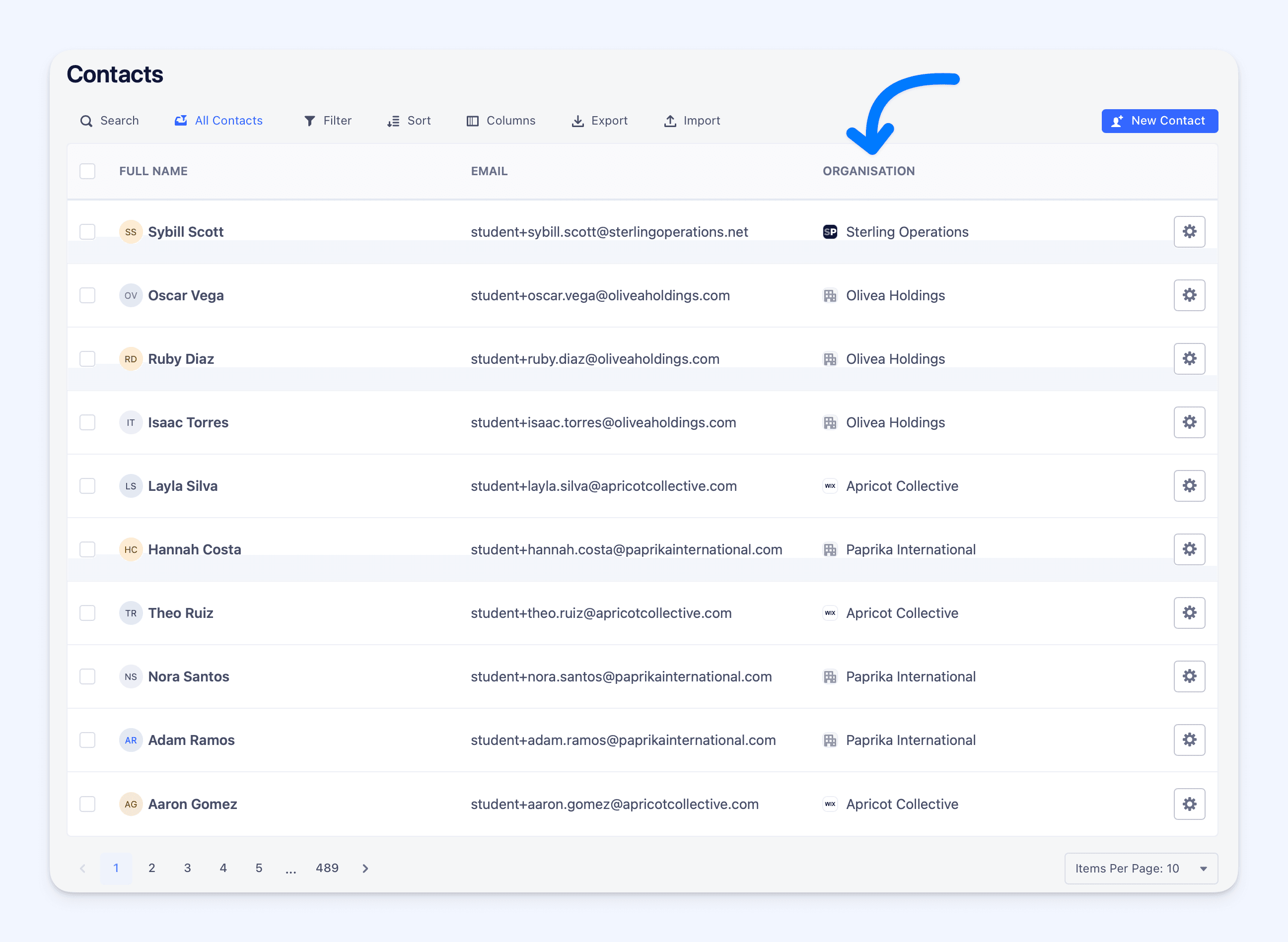
📊 Use Organisations Across Your Dashboard
You can display the organisation field in Contacts and Enrollments, filter by it, and move between linked records. This makes it easier to understand which clients your learners belong to and track activity across teams or departments.
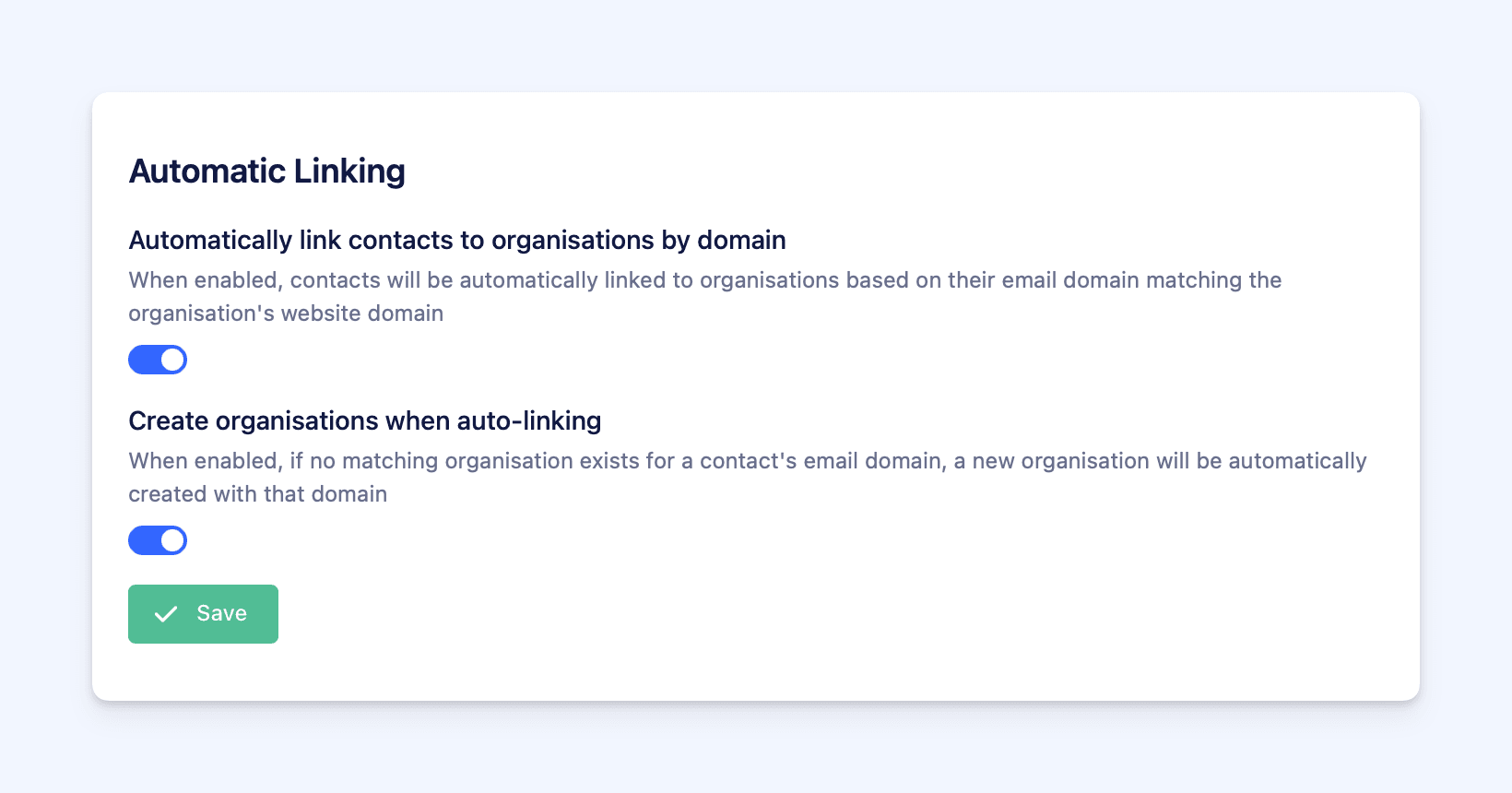
🔗 Automatic Linking (off by default)
Automatic linking is disabled for all accounts until you choose to turn it on. When enabled, new or updated contacts will be linked automatically based on email domain. This applies only to future changes and new contacts and it does not update your existing contacts. If you want existing contacts linked, you will need to import organisations first, then review or update records as needed.
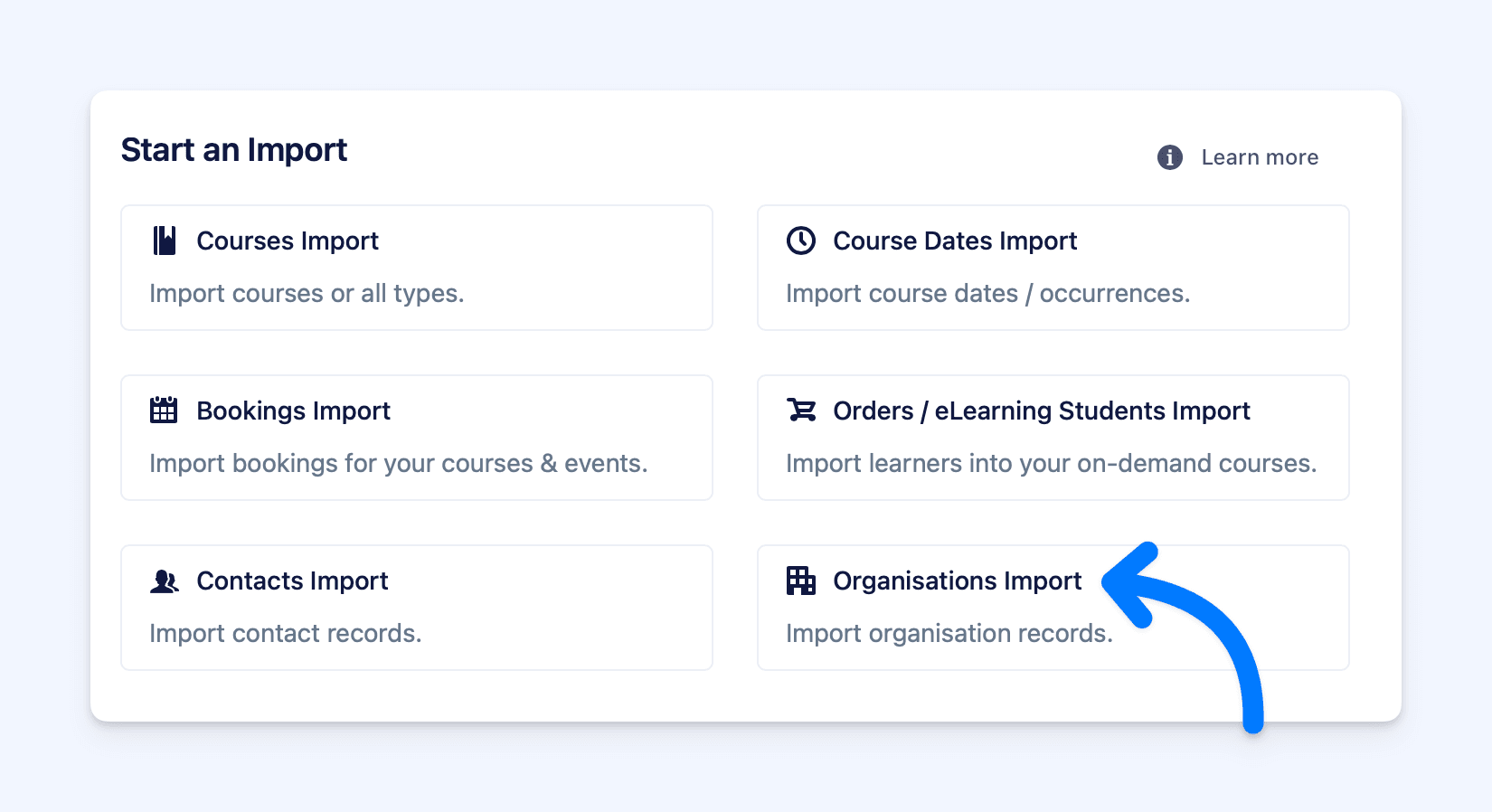
📥 Bulk Import to Get Started
In Settings → Imports, you can upload a spreadsheet to create organisations in bulk. Map your fields and import. If automatic linking is enabled, matching contacts will be grouped instantly. Make sure each organisation uses unique domains to avoid accidental merges.
Coming soon
Phase One is the foundation for a series of improvements focused on supporting business customers. Upcoming updates will include enhancements to make the booking and checkout experience smoother for corporate learners.
Get started
Visit the Organisations page in your admin dashboard to create your first organisation or import your existing companies in bulk.