
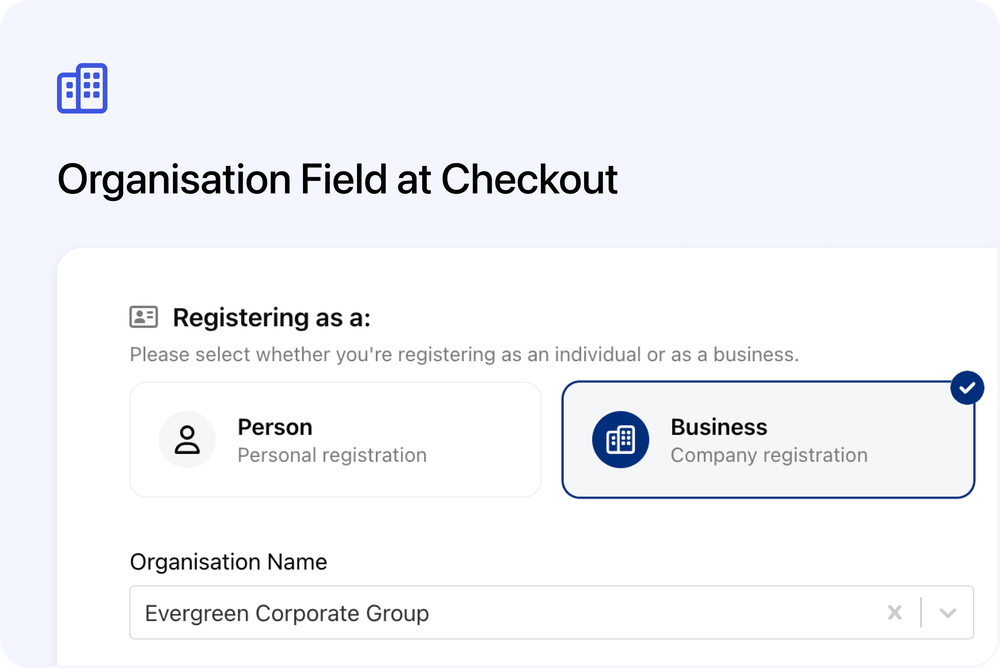
Capture organisation details during booking
You can now add an Organisation field to checkout forms. This lets learners select or create their organisation during booking, making business bookings, reporting, and invoicing clearer.
What’s new
Organisation selection at checkout
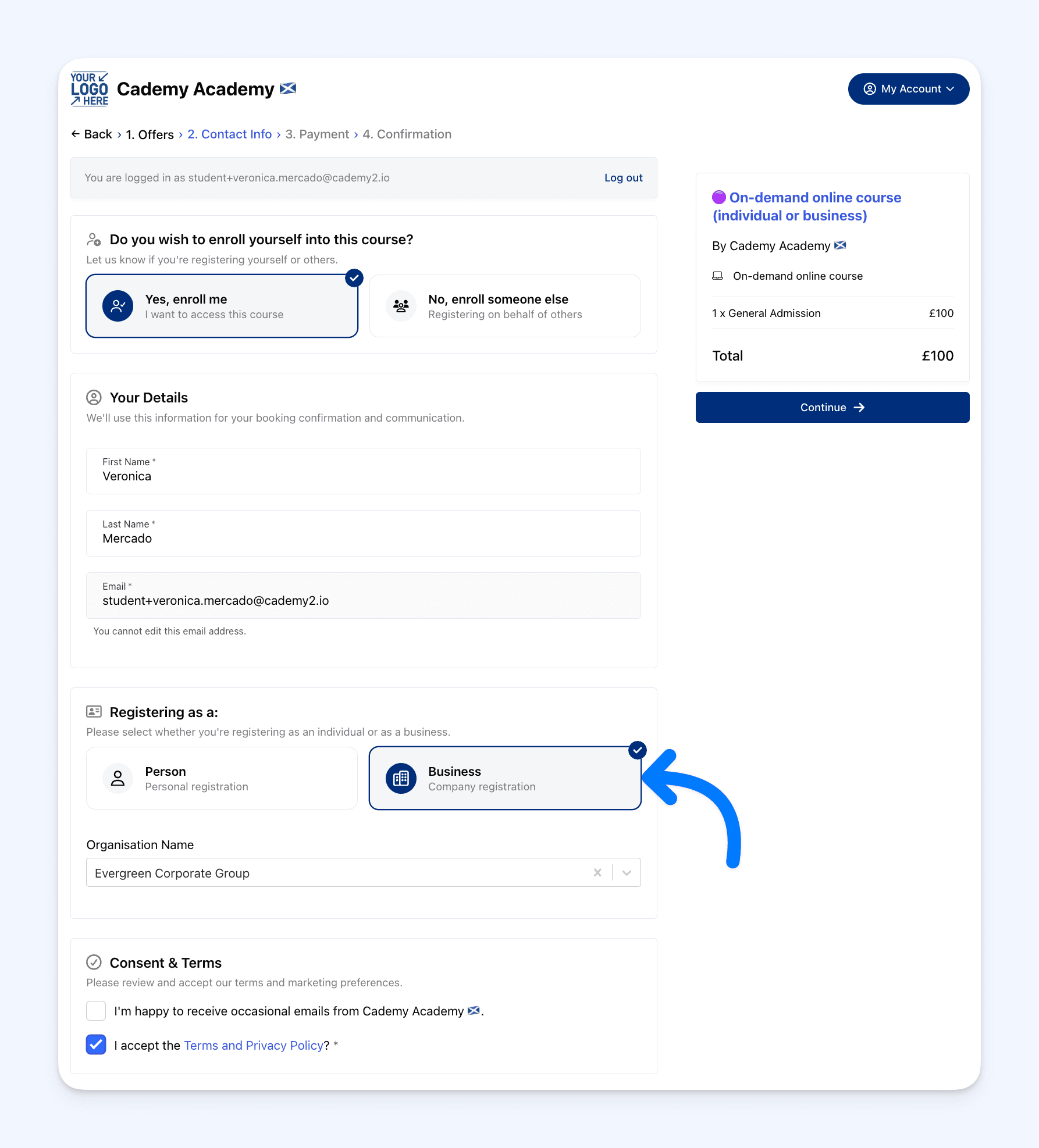 Learners can search for and select their organisation when booking.
- Smart search with autocomplete
- Shows existing organisations by name
Create new organisations
If an organisation isn’t found, learners can create a new one during checkout.
- New organisations are saved automatically
- The learner is linked to the organisation
Auto-link by email domain
Learners can be automatically linked to an organisation based on their email domain.
- Example: user@company.com links to Company
- Optionally lock the organisation so it can’t be changed
Flexible form control
You control how organisation details behave.
- Choose which organisation fields are shown
- Set fields as required or optional
- Hide fields you already have, like billing email or address
- Control when fields appear (existing org vs new org)
Where to manage this
Admin dashboard ->Settings → Forms
Edit a form and add Organisation fields to the checkout layout.