
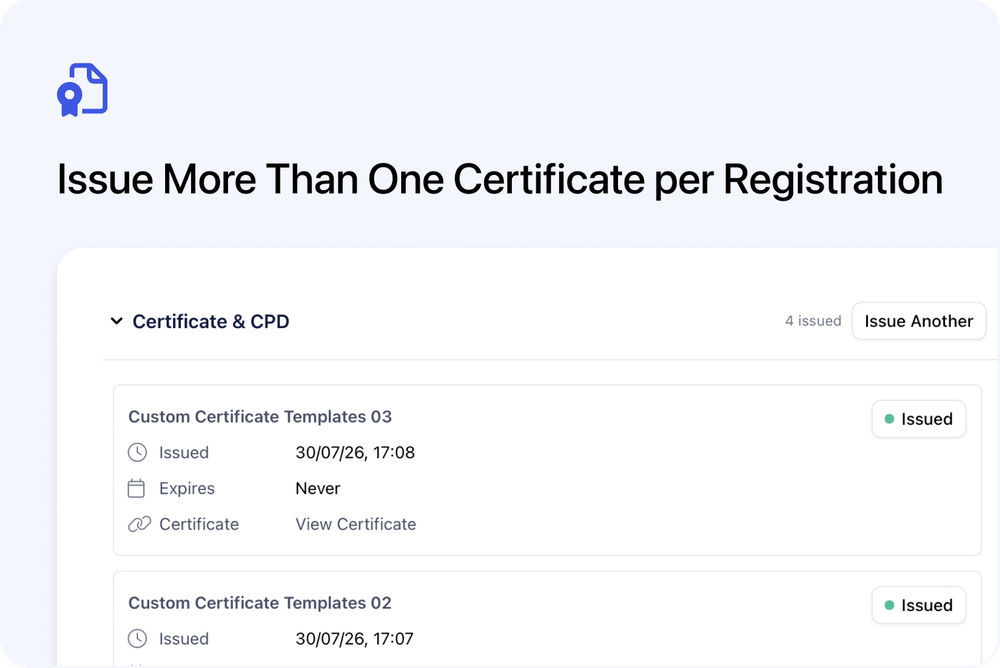
A single Registration can hold more than one active certificate when each certificate uses a different template.
This means one participant can receive an attendance certificate, an accredited certificate and another award without replacing the certificates they already have.
What’s new
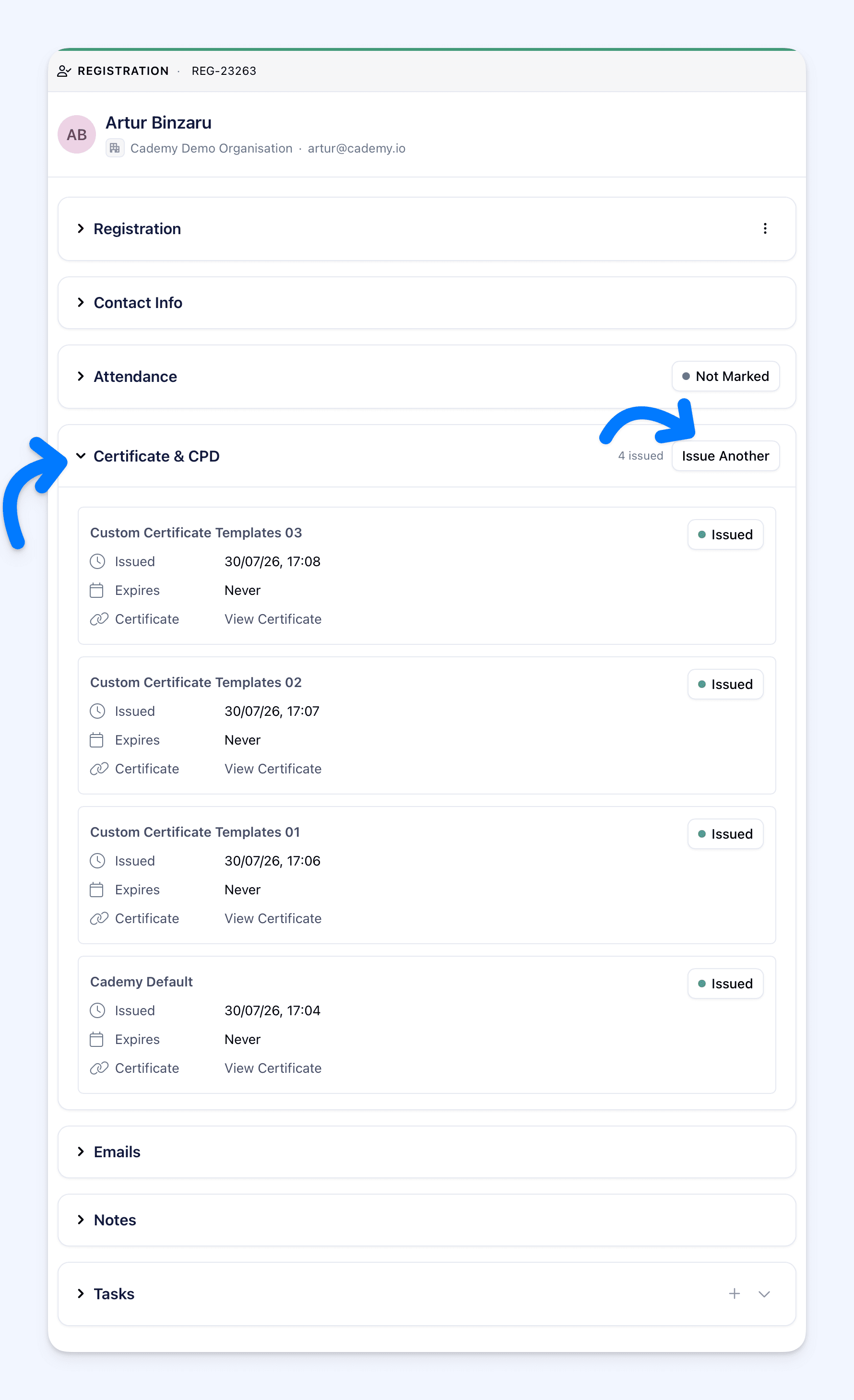
After issuing the first certificate, the Registration continues to show Issue Another. Use it to choose a different certificate template and add another certificate to the same participant’s record.
Each certificate is stored separately with its own:
- template
- issue and expiry dates
- status
- public link
- view, copy, revoke and reissue actions
Issue another certificate
- Open Registrations in the Admin dashboard.
- Open the participant’s Registration.
- Expand Certificate.
- Select Issue Another.
- Choose a different option under Template.
- Leave Email the certificate to the participant selected to send it by email, or clear it to issue without emailing.
- Select Issue Certificate.
The new certificate is added to the Registration. It does not replace the existing certificate.
The template already used by an active certificate is marked Already issued and cannot be selected again. This prevents the same certificate from being added twice.
If a certificate using that template was revoked, the template is marked Revoked - re-issue. Selecting it restores the revoked certificate instead of creating another copy.
Issue different certificates in bulk
You can also add another certificate to several Registrations at once:
- Open the course and select Registrants.
- Select up to 500 Registrations.
- Select Issue Certificates.
- Choose a different Template.
- Choose the Delivery option.
- Select Issue Certificates.
Cademy applies the selected template to the whole job. A Registration that already has an active certificate using that template is skipped, while a Registration without it receives the additional certificate.
Manage every certificate separately
The Certificate section lists each certificate separately, including the template name, issue date, expiry date and status.
You can view, copy, revoke or reissue one certificate without changing the others.
Certificate emails open the specific certificate that was issued. A copied link also opens that specific certificate. The learner’s Get Certificate action opens the most recently issued active certificate for the Registration.
Good to know
- A different template is required: An active certificate using the same template cannot be issued twice.
- Custom Certificates are required: The template picker appears only when Custom Certificates are available for the account.
- Automatic issuing does not add another certificate: If the Registration already has an active certificate, automatic attendance or course-completion issuing does not create a second one.
- Archived templates cannot be selected: Certificates already issued with an archived template remain available.
- Changing the course template does not replace existing selections: Each certificate stays linked to the template selected when it was issued.
- Editing a template can affect existing certificates: Certificates are rendered from their linked template, so later template edits can change certificates already issued with it.
Where to find it
For one participant:
Admin dashboard > Registrations > open a Registration > Certificate > Issue Another
For several participants:
Admin dashboard > Courses > open a course > Registrants > select Registrations > Issue Certificates
For complete certificate instructions, see Certificates.
Frequently asked questions
How many certificates can one Registration have?
Cademy does not show a fixed total limit. Each active certificate must use a different available template.
Can I issue the same template twice?
No. A template already used by an active certificate is marked Already issued and cannot be selected.
Does issuing another certificate replace the first one?
No. Both certificates remain on the Registration and can be managed separately.
Can I issue another certificate without emailing it?
Yes. Clear Email the certificate to the participant before selecting Issue Certificate.
What happens if the certificate was revoked?
Reissuing restores the revoked certificate using its original template instead of creating another copy.
Which certificate does the learner open?
The learner’s Get Certificate action opens the most recently issued active certificate. Use Copy on a certificate when you need to share its specific link.
Can I issue different certificates to several people at once?
Yes. Run another bulk issue job with a different template. Registrations that already hold that template are skipped.
Will automatic issuing create an additional certificate?
No. Automatic issuing does not create another certificate when the Registration already has an active certificate.