
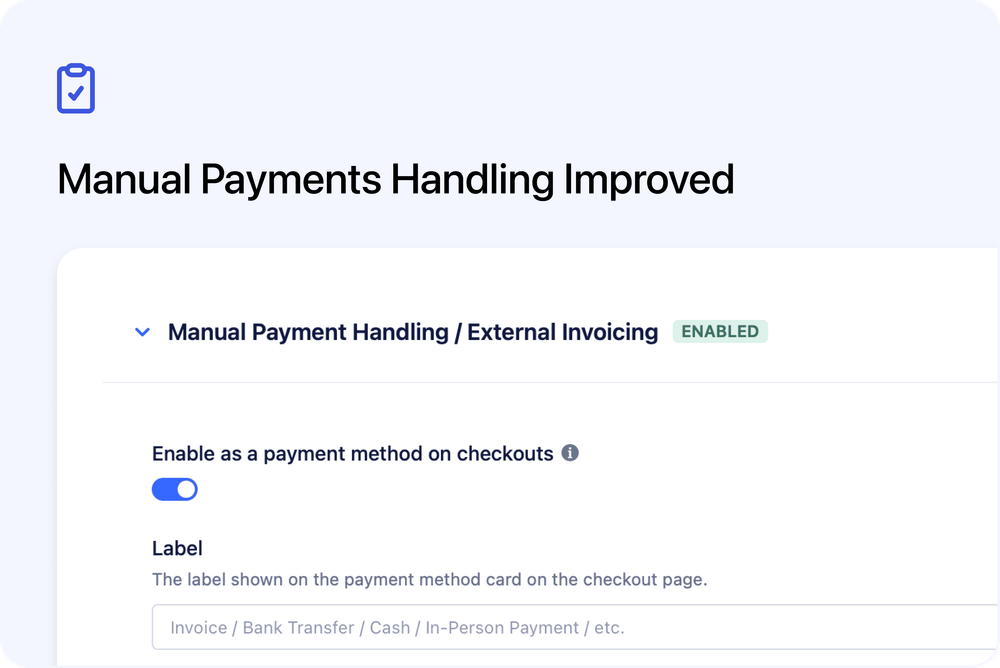
We’ve updated how manual payments work to better match real-world workflows like bank transfers, cash payments, and external invoicing.
Customers can now complete checkout with confidence, while you stay fully in control of how and when payment is collected.
⸻
What’s changed
To remove confusion during and after checkout, manual payment bookings now behave like confirmed bookings from the start:
- Manual payment bookings are confirmed immediately
- Customers receive instant access to bookings, orders, and course content
- Confirmation and reminder emails are sent right after checkout
- No payment prompts are shown to customers (no “Pay now”, invoices, or receipts)
- Payment status in Cademy is for your internal tracking only
⸻
How this helps you
These improvements reduce follow-up work and create a smoother experience for both you and your customers:
- Fewer questions about access or payment status
- No accidental links to invoices you manage elsewhere
- A clearer, more professional checkout experience
- Full flexibility to collect payment outside Cademy
⸻
When this is the best option
Manual payments work best when:
- You issue invoices outside Cademy (for example, via Xero)
- You accept bank transfers, cash, or offline payments
- Customers should get access before payment is received
⸻
Please note
This payment method gives customers instant access to their booking and course content before payment is collected.
If you want customers to receive access only after payment is completed, please use Invoice or card-based payment methods instead of Manual Payment Handling.
To enable this option, go to Settings → Payments → Manual Payment Handling / External Invoicing, or access it directly here: 👉 https://admin.cademy.io/settings/payments