
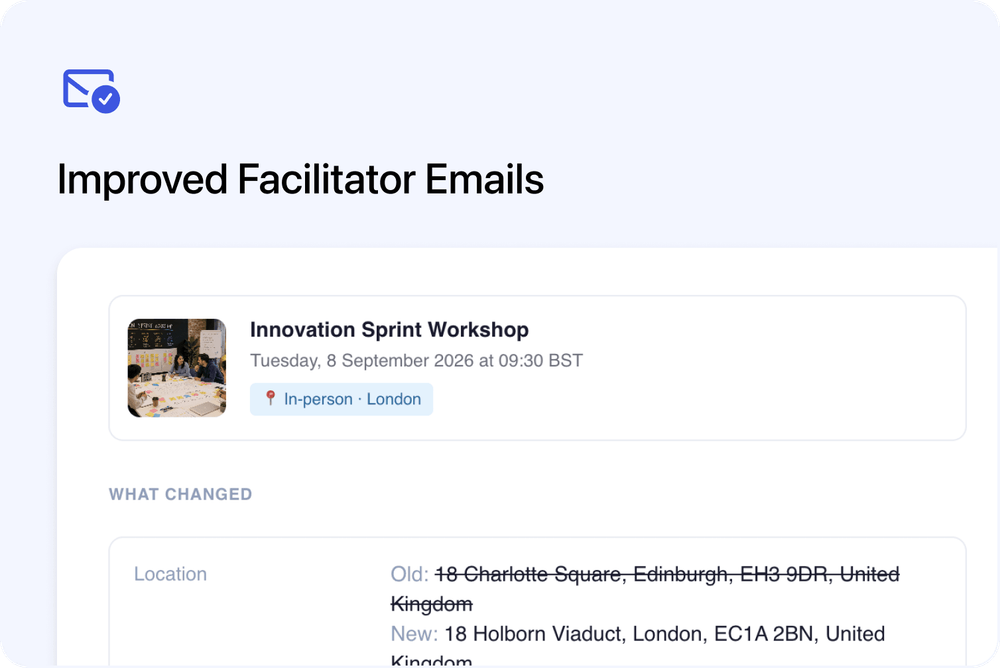
We’ve improved the emails sent to Facilitators when they are assigned to, updated on, or removed from a course date.
The emails now have a clearer design, include more useful course date details, and can include calendar invites, Facilitator Notes, and Key Contact information.
This helps Facilitators understand what they are delivering, where they need to be, and who they should contact.
What’s new
📩 Redesigned Facilitator emails
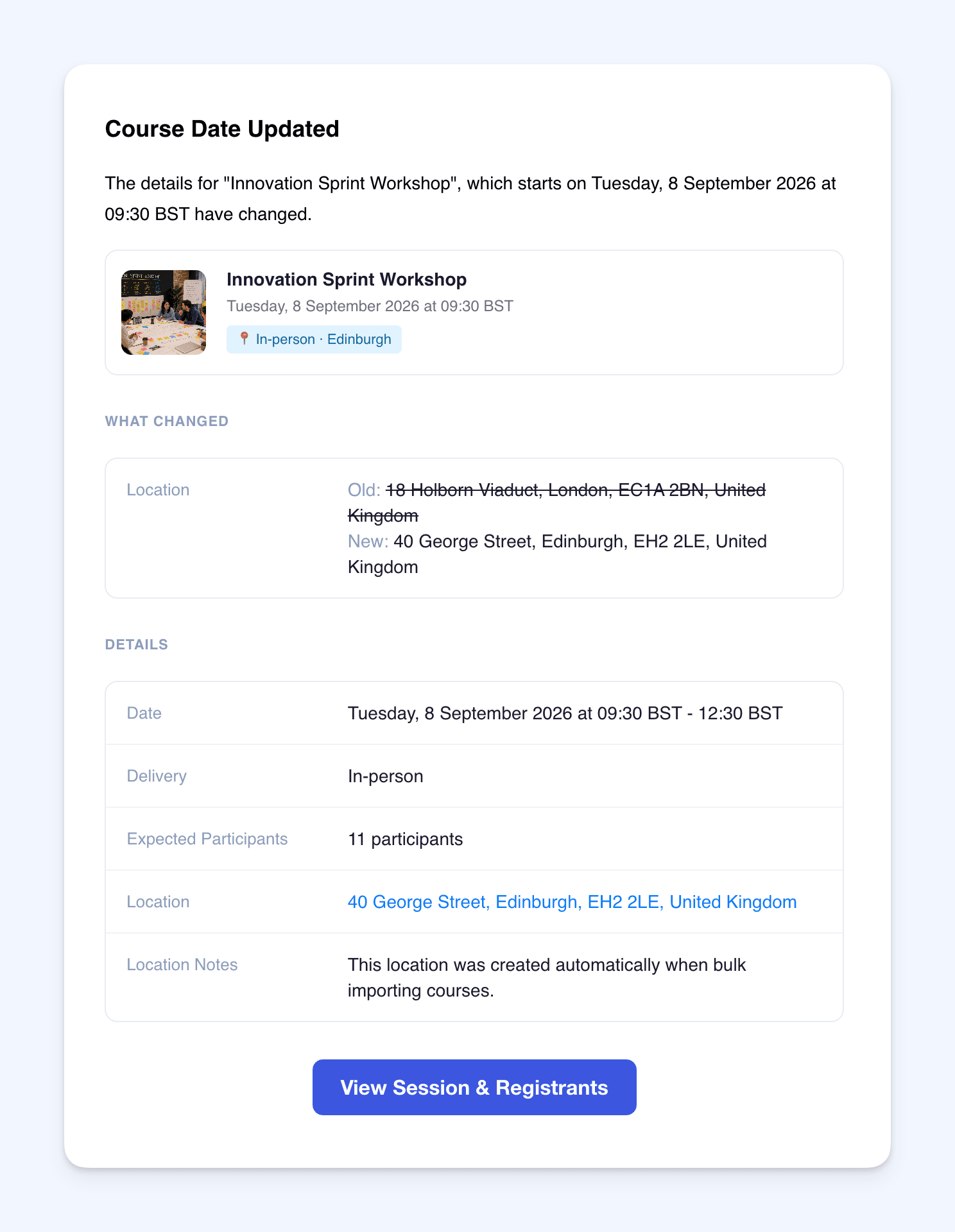
Facilitator notification emails now have a clearer layout.
The updated emails include:
- Course name
- Course image
- Date and time
- Delivery type
- Location or online joining details
- Course date details
- A clear link to view the date in the Admin dashboard
Emails are sent when a Facilitator is:
- Assigned to a course date
- Updated on a course date
- Removed from a course date
This makes the emails easier to read and more useful at a glance.
🔄 Clear “What Changed” section
When a course date is updated, the Facilitator email now includes a What Changed section.
This shows what changed using the old and new values, such as:
- Date and time
- Delivery type
- Location
- Online joining link
- Key Contact
This helps Facilitators quickly understand what has changed without comparing the course date manually.
🗓️ Calendar invites included
Assignment and update emails now include a calendar invite.
Facilitators can add the course date to Google Calendar, Outlook, Apple Calendar, or another calendar app that supports calendar invites.
The calendar invite can include:
- Session date and time
- Location or online joining link
- Facilitator Notes
- Key Contact details
- A reminder before the session
If a Facilitator is removed from a course date, a calendar cancellation is sent so the event can be removed from their calendar.
For multi-session dates, calendar invites are created for the individual sessions.
📝 Facilitator Notes
Course dates now include an optional Facilitator Notes field.
Use this to share private delivery instructions with the assigned Facilitator, such as:
- Run sheet details
- Parking instructions
- Access information
- What to bring
- Room setup notes
- Client-specific instructions
Facilitator Notes are included in the Facilitator email and calendar invite.
👤 Key Contacts for private dates
Private course dates can now include a Key Contact.
This is the person the Facilitator should liaise with for that date, such as a client coordinator or on-site contact.
The Key Contact details can include:
- Name
- Phone number
These details are included in the Facilitator email and calendar invite.
⏰ Facilitator reminder emails
Facilitators will now receive reminder emails before a course date starts.
The reminder includes the course date details, location or online joining information, Facilitator Notes, Key Contact details, and a calendar invite.
This helps make sure Facilitators have the right information before the session.
Why this matters
Facilitators often need more than just the date and course name.
They may need parking details, room setup notes, client contact information, online joining links, or a clear record of what changed.
These improvements give Facilitators a more complete view of the session they are delivering, while keeping the information inside Cademy.
Good to know
Facilitator Notes are private
Facilitator Notes are for internal delivery use.
They are not shown on public course pages.
Key Contacts are private
Key Contact details are only used for private course dates.
They are not shown on public course pages.
Where to find it
Open a course date from the Admin dashboard.
From the occurrence editor, you can add:
- Facilitator Notes
- Key Contact for private dates
- Facilitators / Owners for that date
Facilitators will receive the relevant email when they are assigned, updated, removed, or reminded.