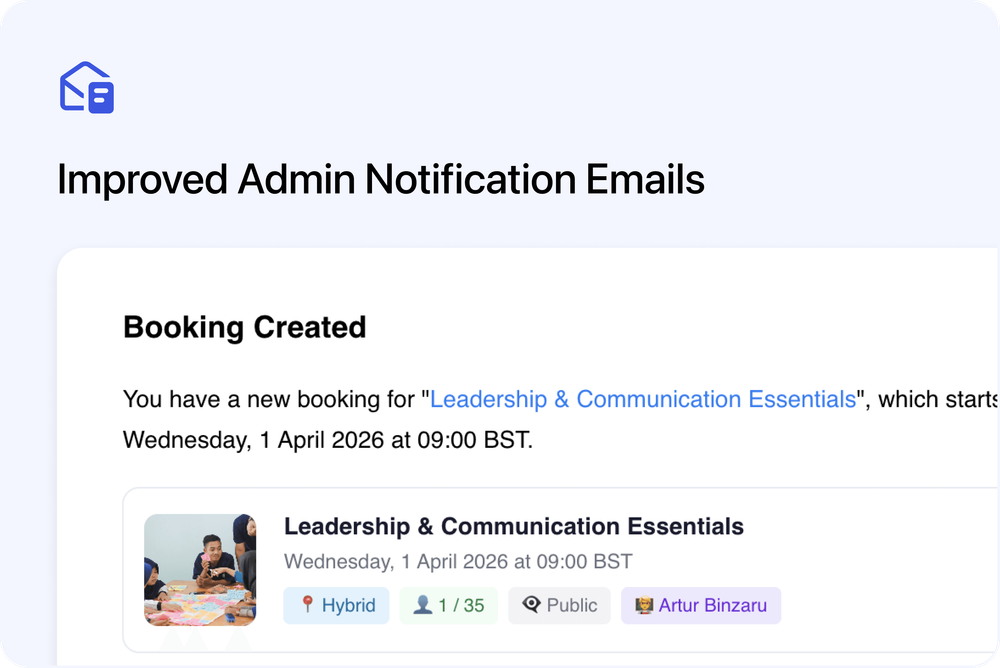
We’ve redesigned the admin notification emails sent when important activity happens in your account - making them clearer, easier to scan, and much more useful at a glance.
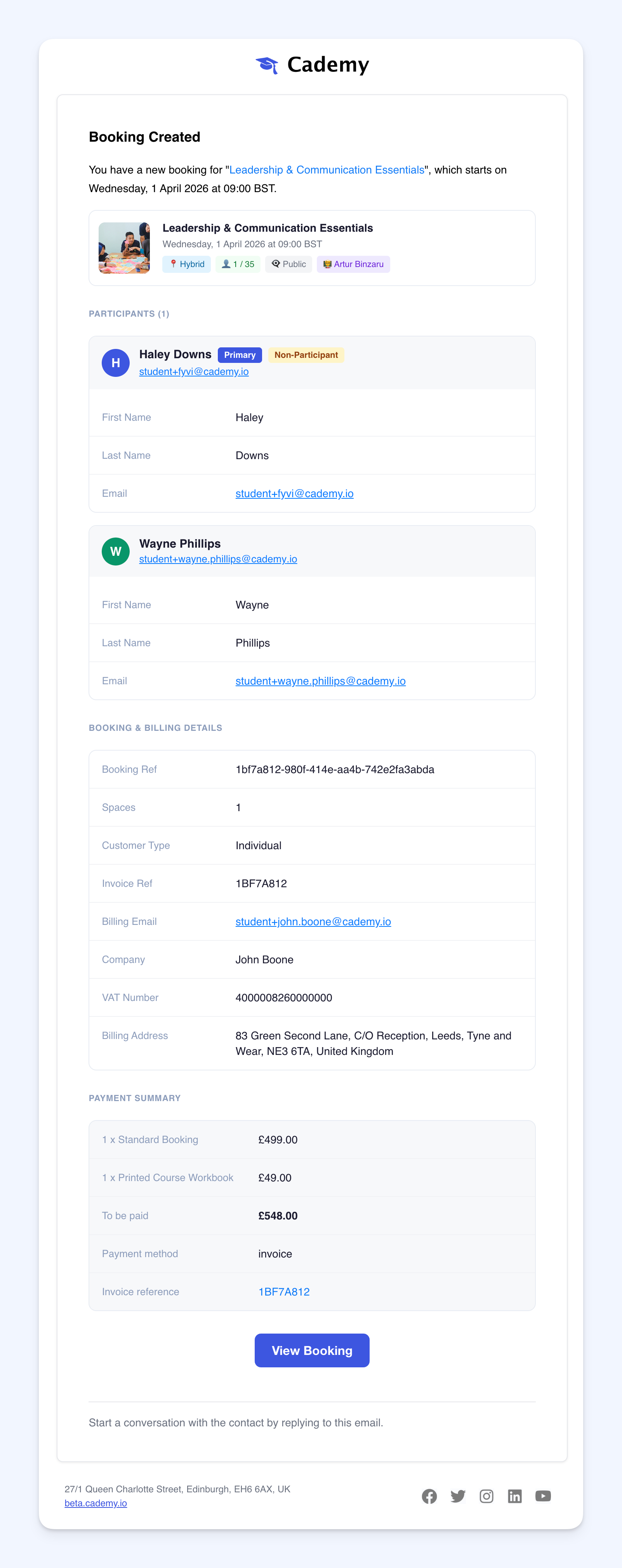
This is especially helpful for booking and order notifications, where admins often need to quickly understand who booked, who’s attending, what was selected, and how billing was handled - without opening the booking first.
What’s improved
Admin booking and order emails now show much more useful information, including:
- All participants shown more clearly
- Whether the primary booker is attending or is a non-participant
- Booking type (individual or company)
- Invoice reference, VAT number, and billing address
- Selected price offers and add-ons
- Course facilitators / owners
- Whether the course date is public or private
- Booked spaces and available spaces
A cleaner, easier-to-skim layout
The overall design of admin notification emails has also been refreshed to make key details easier to find quickly.
This means your team can review new bookings, orders, and related admin activity faster - with less need to click into the booking just to understand the basics.
Why this matters
Admin notification emails are often the first place your team sees important activity.
With this update, those emails now provide a much clearer snapshot of what happened - helping you respond faster, reduce back-and-forth, and stay on top of bookings more easily.
📷 Open booking notification email preview