
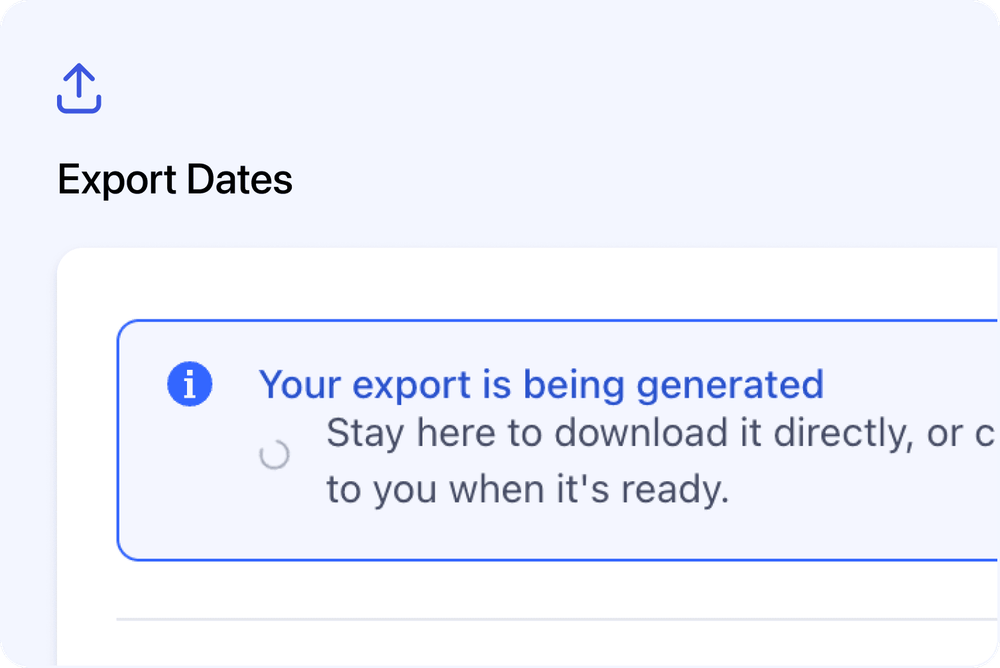
You can now export course dates from the Courses page when using the Date List View.
This is useful when you want to review upcoming or past course dates in a spreadsheet.
What’s available
📅 Export Upcoming Dates
You can export your upcoming course dates from the Upcoming Dates tab.
This helps you review future sessions, dates, locations, facilitators, and other course date details outside Cademy.
🕓 Export Past Dates
You can also export past course dates from the Past Dates tab.
This is useful when reviewing completed sessions or keeping a record of previous course delivery.
Where to find it
Go to:
Courses
Then switch to the Date List View using the view buttons in the top-right area of the page.
The Export button is available from this view.
How to export course dates
- Go to Courses
- Switch to Date List View
- Choose Upcoming Dates or Past Dates
- Apply filters if needed
- Click Export
The export will follow the date list you are currently viewing.
Good to know
Only available in Date List View
The export option is only available from the Date List View.
If you are using another course view, switch to Date List View first.
Filters are included
If you apply filters before exporting, the exported file will match the filtered list.
Works with spreadsheet tools
The exported file can be opened in tools such as Excel, Google Sheets, or Numbers.