
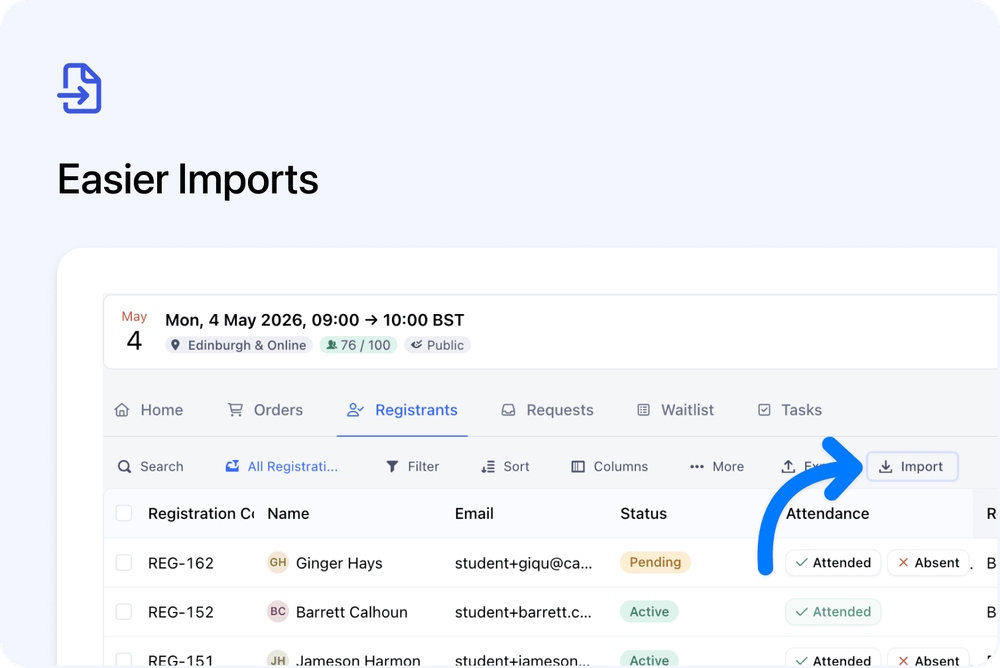
Importing Orders and Registrations from a course is now smoother.
You can now start an import directly from the course page, without being taken away to Settings.
The import dialog opens in place, fills in the current course for you, and can also fill in the selected course date when you are working from a specific occurrence.
What’s changed
📍 Import directly from the course page
You can now start imports from:
- The course Orders tab
- The course Registrants tab
This keeps you in the course context while importing records.
✅ Course and date are prefilled
When you start an import from a course, the course is filled in automatically.
If you are viewing a specific course date, that date is filled in too.
This means you no longer need to manually copy occurrence IDs or double-check that the import is linked to the right course date.
⏳ Clearer import progress
After you start an import, the dialog now stays open and shows that the import is processing.
When the import finishes, you’ll see a clear success screen.
If something goes wrong, the dialog shows an error state.
Good to know
Completed imports still appear in:
Settings → Imports
You can continue to use this area for import history and audit records.