
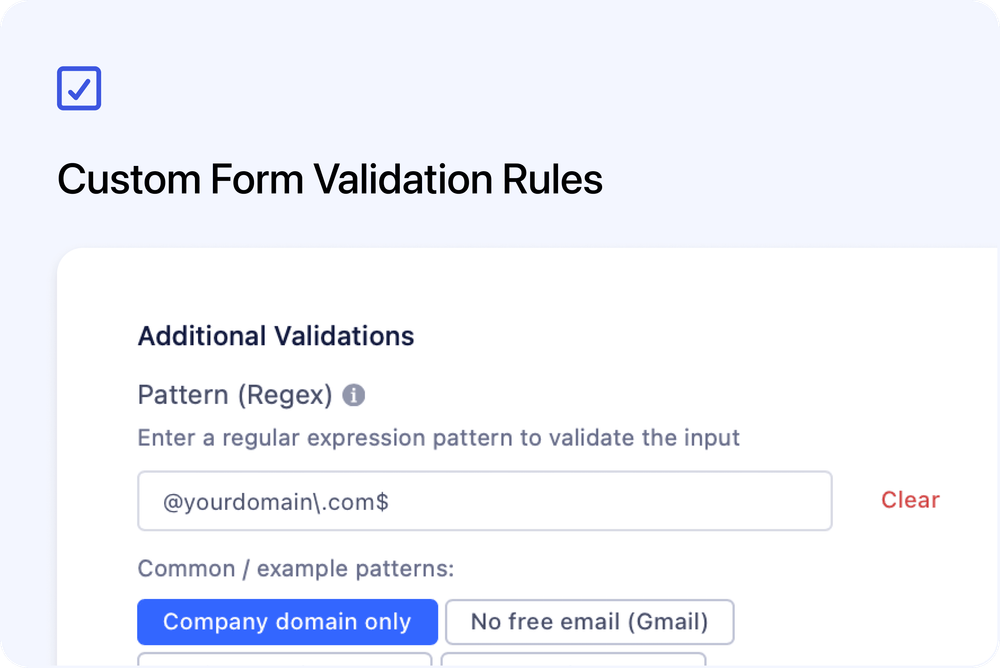
You can now define custom validation rules for checkout form fields - giving you greater control over the data customers enter during registration.
Validation rules can restrict inputs based on number ranges, date ranges, email or phone formats, or even custom regex patterns. These rules are checked before a customer can complete checkout, helping you maintain clean, consistent data.
Common use cases
- Accept only company email addresses (e.g. block Gmail/Yahoo)
- Enforce numeric-only input
- Set a minimum or maximum value
- Apply custom formatting rules (via regex)
AI tip: Need a regex pattern?
You can use AI tools to generate custom regex expressions. For example:
Create a regex that allows only company email addresses and blocks Gmail and Yahoo.
Paste the pattern into the “Pattern (Regex)” field, add an error message, and test your form.