
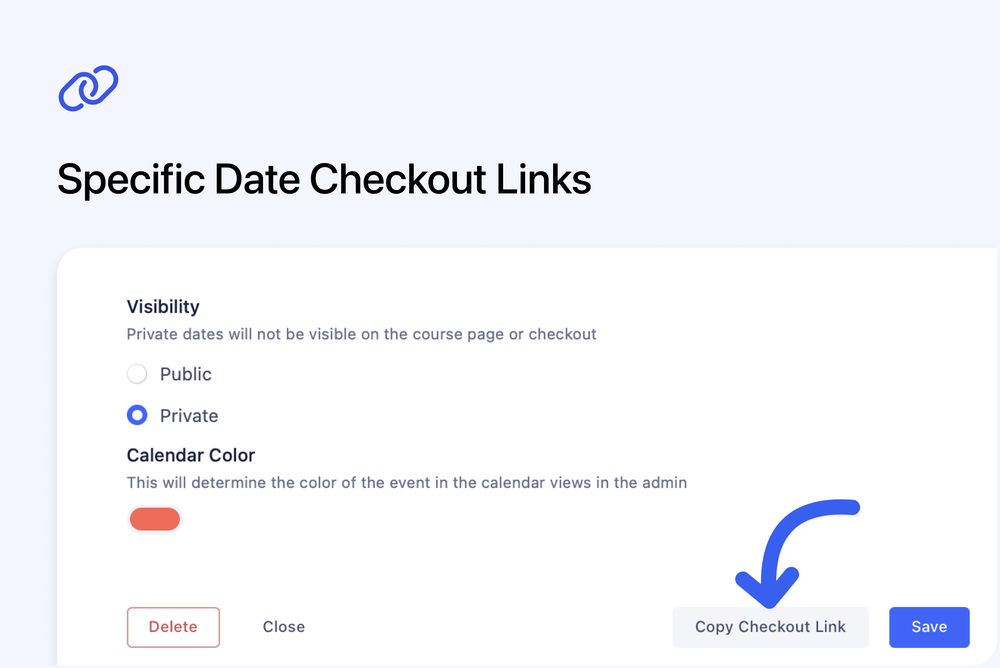
You can now copy a checkout link for a specific course date directly from the admin dashboard. This makes it easy for you to share a link with your customer, for them to easily book a specific date without visiting the course page first. This works with both public and private dates, so it's great for sharing a private a checkout link for a private session.
To find it, edit any course card from your course dashboard and click Copy Checkout Link.