
Choose how tax is applied per booking
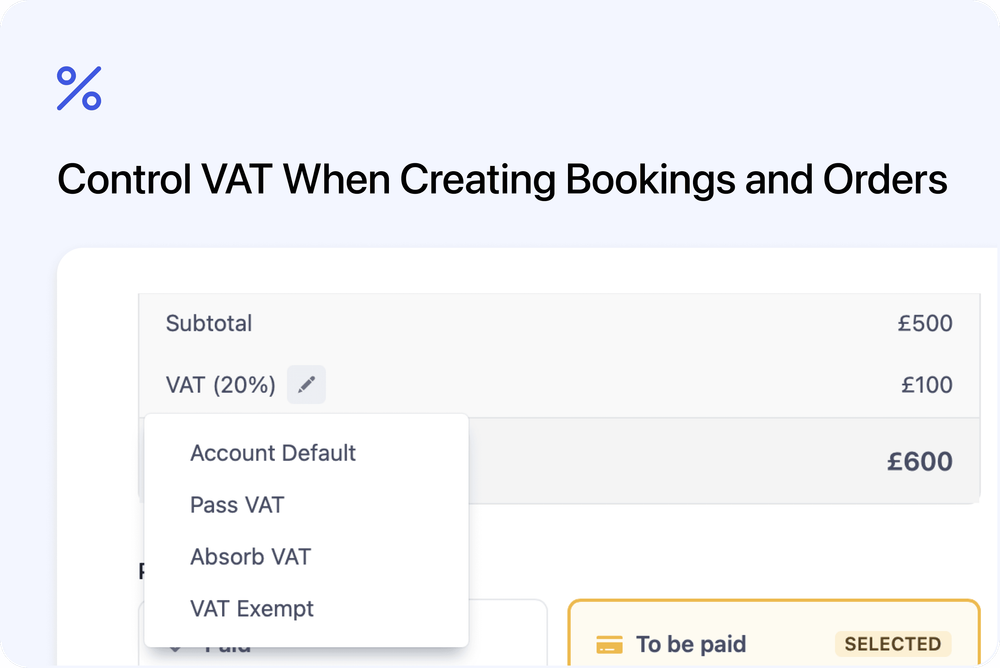
Admins can now control how VAT is applied when creating bookings or orders. This makes it easier to handle VAT-inclusive pricing, VAT-exclusive pricing, or VAT-exempt cases on a per-booking basis.
What’s new
VAT application selector
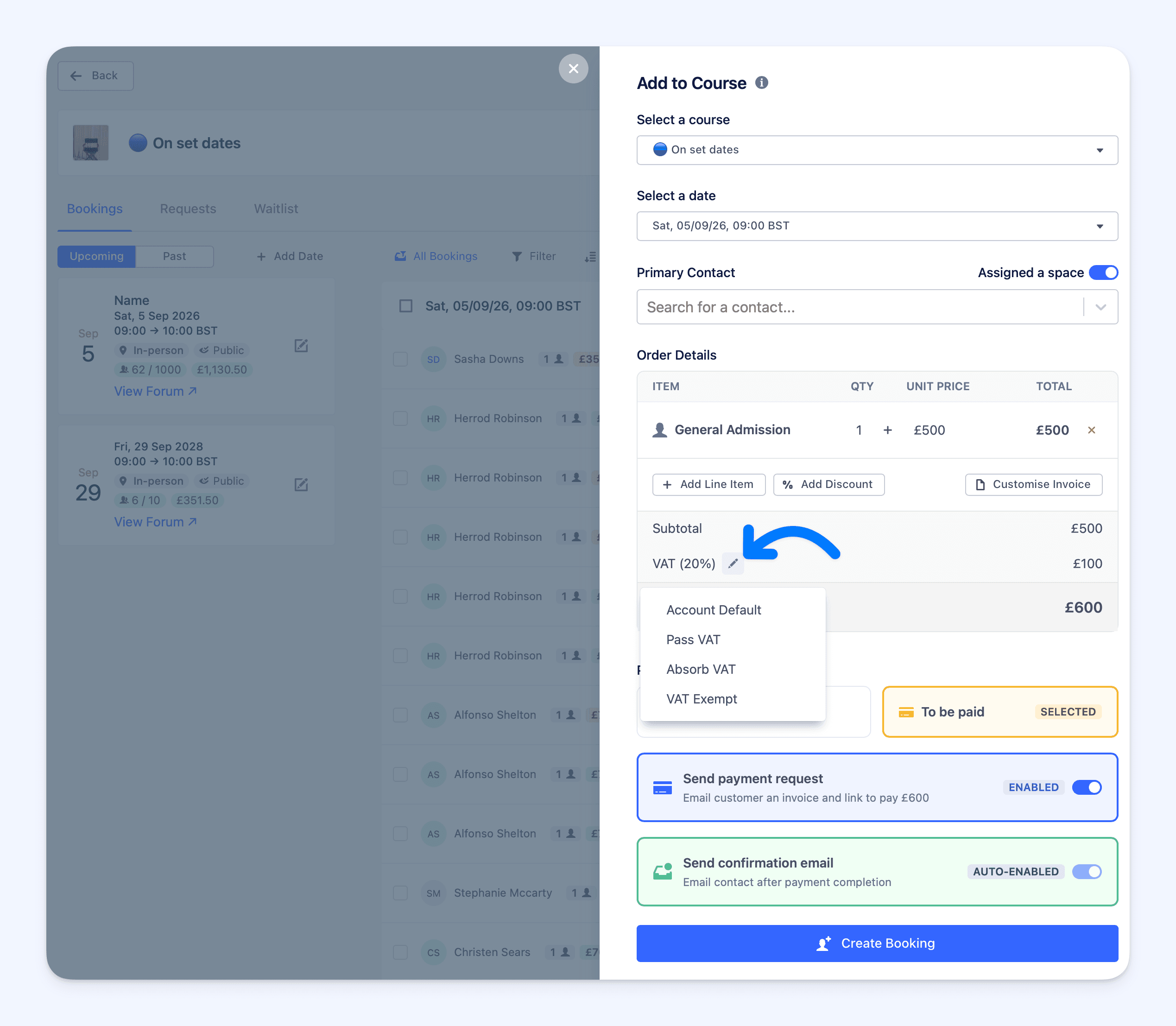 When creating a booking or order, a new option is available to choose how VAT is handled.
You can select one of the following:
- Account default – uses your existing VAT settings
- Tax included in price – VAT is absorbed into the price
- Add tax to price – VAT is added on top of the price
- No tax (VAT exempt) – no VAT is applied or collected
More flexibility for admin-created bookings
This is useful when:
- Prices already include VAT
- VAT should be added manually
- A booking or order is VAT exempt
Each booking or order can now reflect the correct tax treatment without changing account-wide settings.