
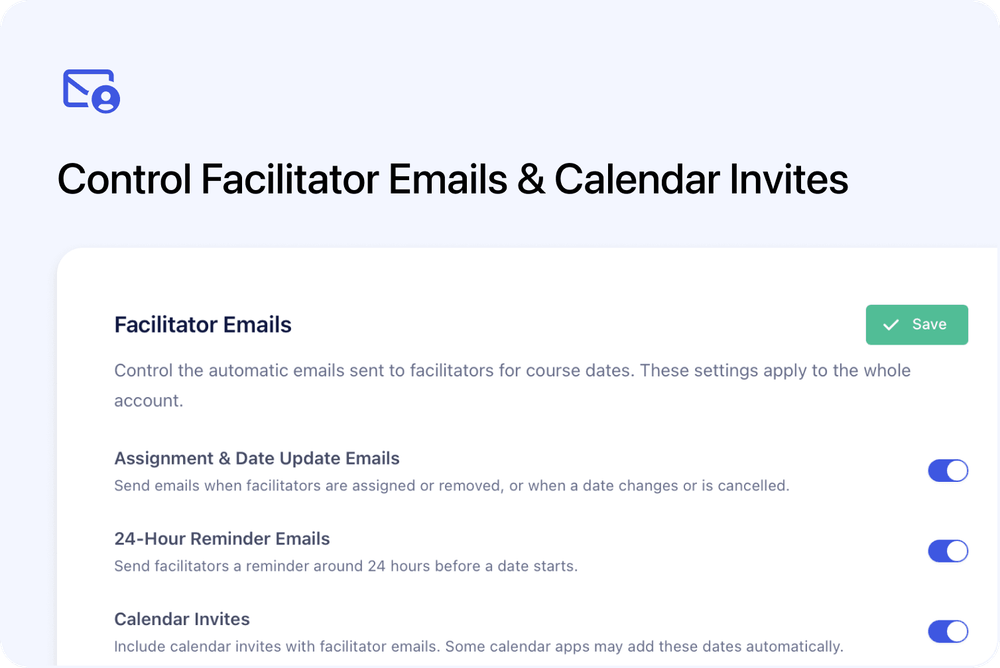
You can now choose which automatic emails and calendar invites Cademy sends to the people assigned as Facilitators / Owners for your course dates.
Three account-wide controls let System Admins manage assignment and date-update emails, 24-hour reminders and calendar invites independently. All three are enabled by default, so nothing changes unless you choose to change it.
What's new
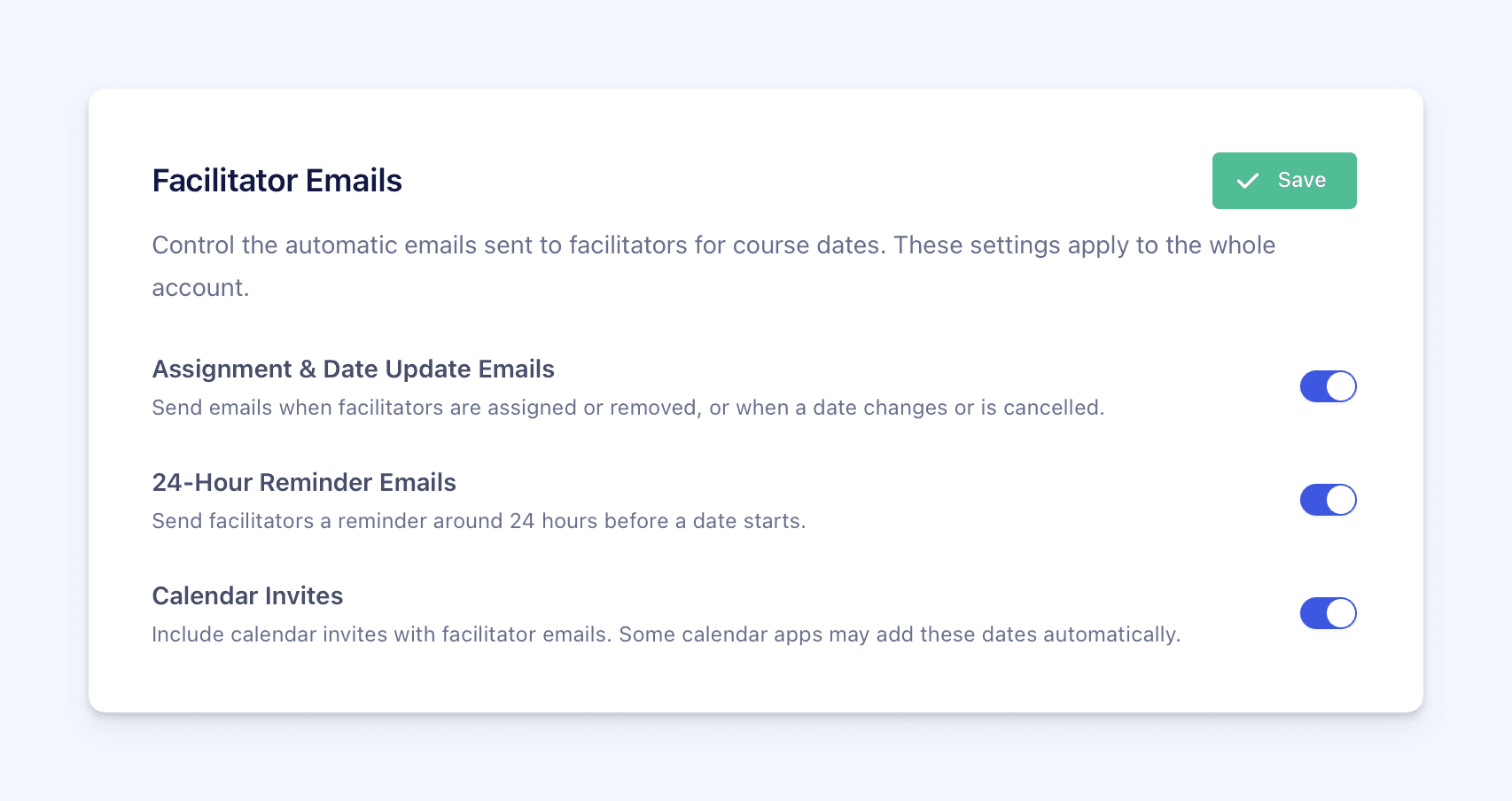
The new Facilitator Emails section contains three controls:
- Assignment & Date Update Emails - emails sent when Facilitators / Owners are assigned or removed, when course-date details change, or when a date is cancelled or deleted
- 24-Hour Reminder Emails - reminders sent around 24 hours before a course date starts
- Calendar Invites - calendar invitations included with assignment, update, reminder, removal and cancellation emails
How it works
Each setting works independently and applies across the whole account.
For example, you can:
- keep facilitator emails on but remove their calendar invitations
- stop 24-hour reminders while continuing to send assignment and date-update emails
- stop assignment and date-update emails while keeping 24-hour reminders on
Choose the combination that fits how your team communicates with Facilitators / Owners, then select Save.
Why this matters
Different teams manage facilitator communication in different ways.
Some want Cademy to send the operational emails but do not want calendar apps adding course dates automatically. Others manage reminders outside Cademy or only need the 24-hour reminder.
These controls let each account keep the notifications it needs without switching off unrelated facilitator communication.
Good to know
- Existing behaviour is preserved. All three controls are enabled by default.
- The settings are account-wide. They cannot be configured separately for one course or one facilitator.
- Turning Calendar Invites off does not stop the emails. It only removes the calendar invitation from them.
- Skipped notifications are not sent later. Turning a setting back on only affects new events triggered afterwards.
- Existing calendar entries may remain unchanged. If Calendar Invites is off when a date changes or is cancelled, a date already in someone's calendar may need to be updated or removed manually.
- Learner and admin notifications are not affected. These controls do not change learner emails or notifications sent to Admin Email Recipients.
- Quiz and forum notifications are not affected. Quiz submission notifications and course forum digests continue to use their existing behaviour.
Where to find it
Only System Admins can change these account-wide settings.
Go to:
Settings → User Management → Facilitator Emails
Choose the required settings and select Save.
For the complete guide to assigning Facilitators / Owners and choosing notification recipients, see Facilitator, Course Owner and Admin Email Notifications.
Frequently asked questions
Do I need to change anything? No. All three controls are enabled by default, so the existing email and calendar behaviour continues unless a System Admin changes a setting.
Can I stop calendar invites but keep facilitator emails? Yes. Turn Calendar Invites off and leave the required email settings on. The emails will continue without calendar invitations.
Can I turn off reminders without stopping assignment emails? Yes. Turn 24-Hour Reminder Emails off and leave Assignment & Date Update Emails on.
Will Cademy send missed emails when I turn a setting back on? No. Emails and calendar invites skipped while a setting was off are not sent later.
Why is an old course date still in a facilitator's calendar? If Calendar Invites was off when the date changed or was cancelled, Cademy did not send a calendar update. The recipient may need to update or remove the existing entry manually.
Can I use different settings for different courses or facilitators? No. These settings apply across the whole account.
Will this stop emails sent to learners or Admin Email Recipients? No. Learner emails and Admin Email Recipient notifications are not controlled by these settings.
Will this stop quiz submission notifications or course forum digests? No. Those notifications continue to use their existing behaviour.
Who can change these settings? Only a System Admin can manage them from Settings → User Management.