
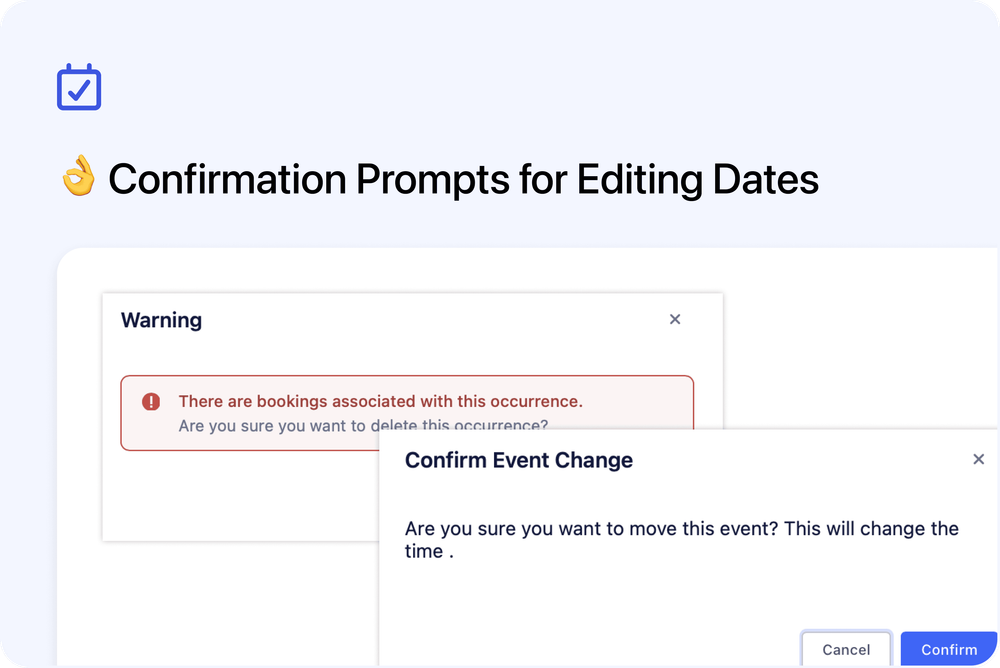
Admins will now always see a confirmation prompt before deleting an occurrence - even when there are no bookings on it. In the Calendar view, moving an event to a new date or time also triggers a confirmation dialog before the change is saved. These prompts help prevent accidental edits and ensure all updates are intentional.