
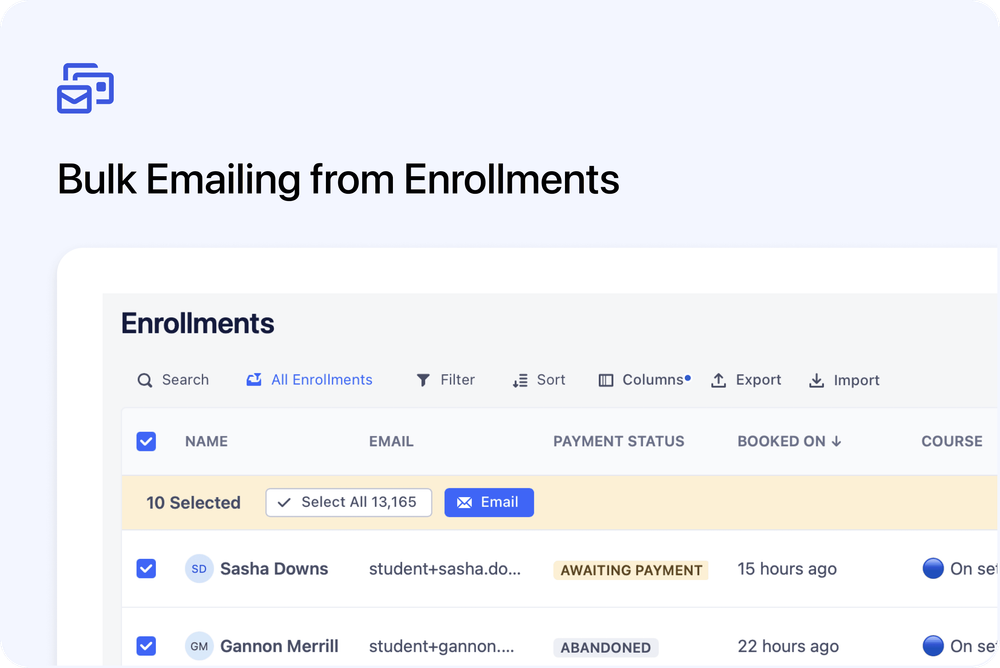
Email learners in bulk, directly from the Enrollments page
You can now send bulk emails directly from the Enrollments page. This makes it easier to contact learners based on booking status, course, or lesson progress, without switching screens.
What’s new
Bulk email from Enrollments
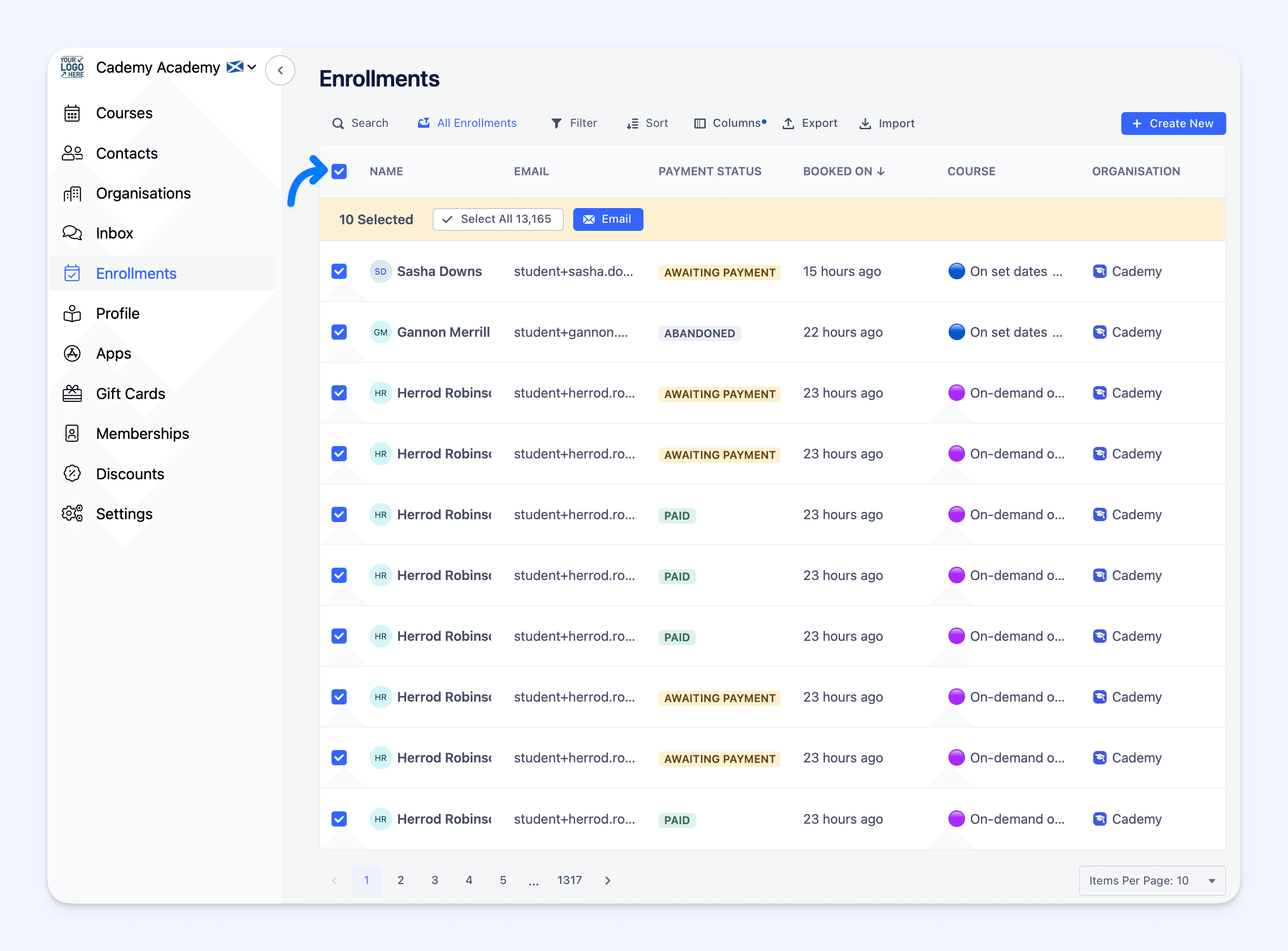 You can select multiple enrollments and send an email in one action.
- Works across bookings and orders in the same table
- Use filters to narrow down the exact audience
- Send emails without leaving the Enrollments page
Filter by lesson progress
You can now filter enrollments based on lesson progress.
This allows you to:
- Message learners who haven’t started yet
- Follow up with learners mid-course
- Contact learners who have completed lessons
Faster communication workflows
This update is ideal for:
- Course reminders
- Progress-based follow-ups
- Operational or admin messages
Where to find this
Admin dashboard
Enrollments
Apply filters, select enrollments, and use the Email action to send messages in bulk.