
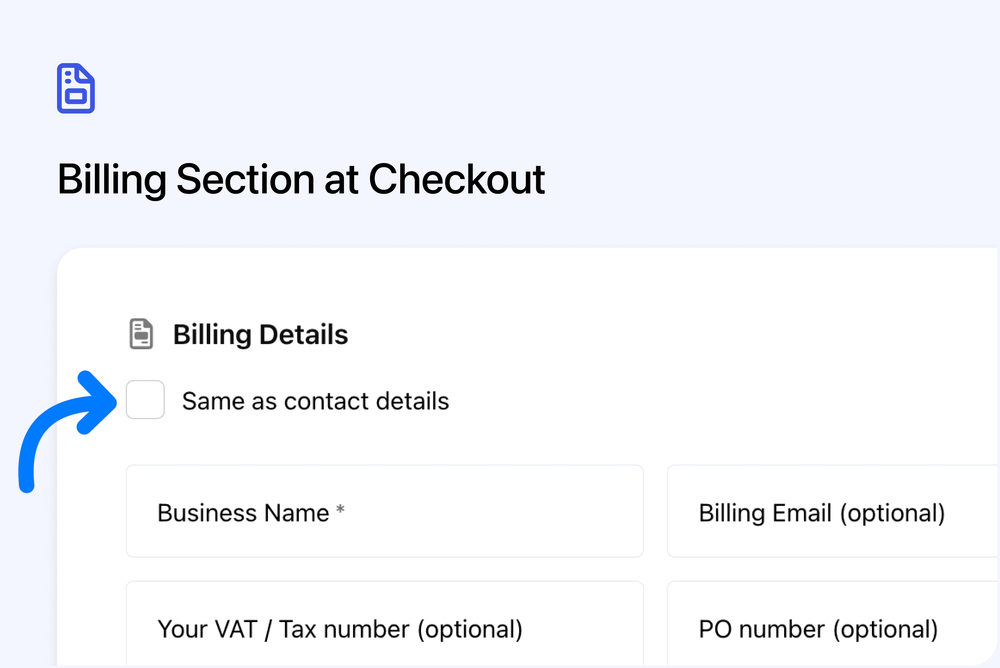
Collect billing details clearly, regardless of payment method
We’ve added a new Billing Details section to the checkout Payment step. This makes billing information clearer and more consistent for both individuals and businesses.
What’s new
Billing Details section
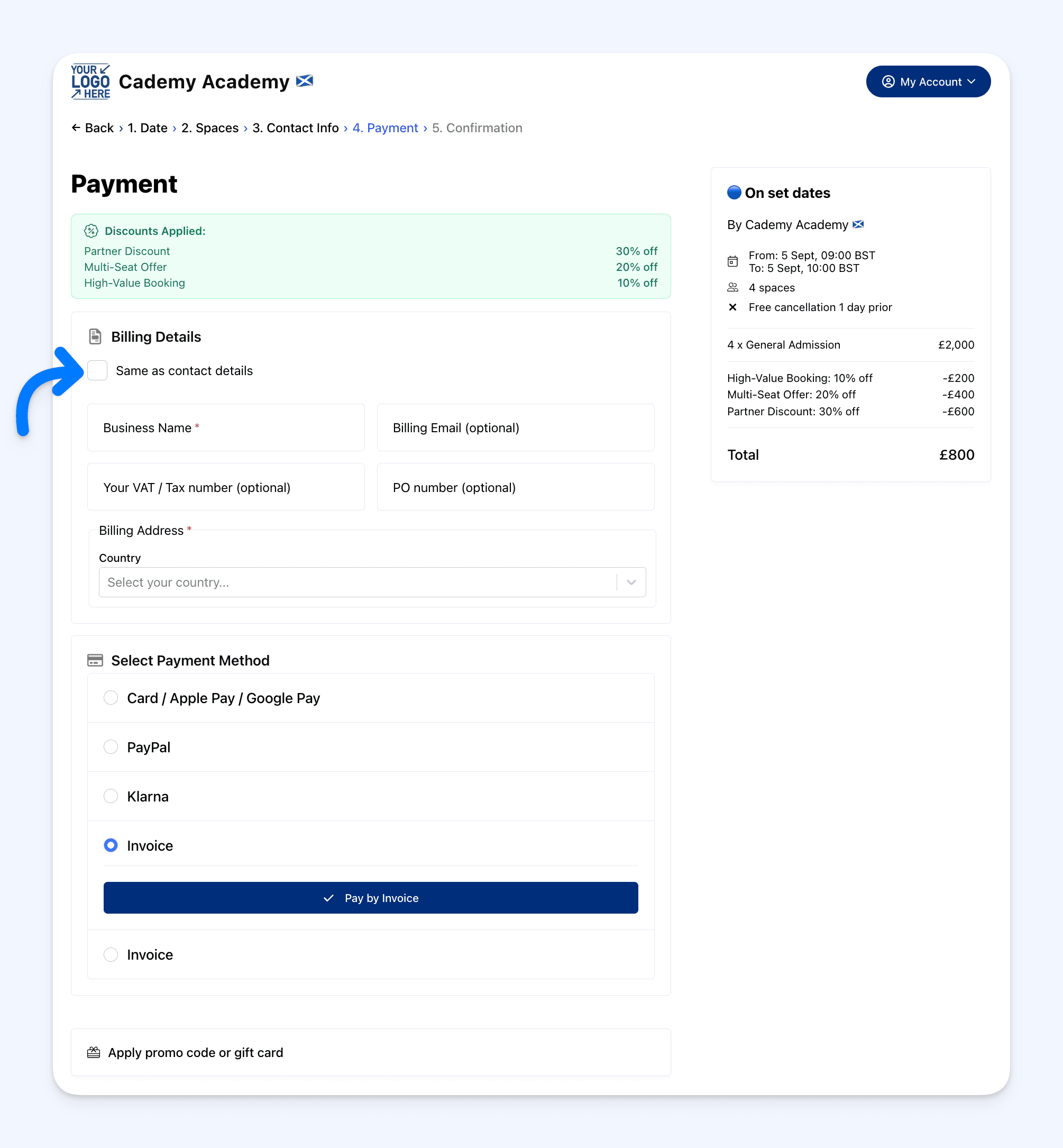 A dedicated Billing Details section now appears above the payment method selection.
- Shown for all payment methods
- Used for card, PayPal, Klarna, invoice, and manual payments
- Billing details are collected in one clear place
Individual and business checkouts
Individual customers
- A “Same as contact details” option is shown and selected by default
- When selected, billing fields are hidden
- If unchecked, billing details can be entered manually
Business customers
- Billing details are always shown
- This ensures clear and complete billing information
Business billing fields
When booking as a business, customers can enter:
- Business name
- Billing email
- PO number
- Billing address
Automatic billing details
Billing information is pre-filled when available.
- Individuals - billing address is copied from contact details
- Businesses - billing details are copied from the organisation record