- Professional Development
- Medicine & Nursing
- Arts & Crafts
- Health & Wellbeing
- Personal Development
161 3D Animation courses in Whetstone
3ds Max and Photoshop Training
By London Design Training Courses
Why Choose 3ds Max and Photoshop Training Course? Click here for more info 3D modeling and rendering potential with our specialized 3ds Max and Photoshop Training Course! Learn from modeling to rendering in 3ds Max and enhance visuals with Photoshop. Personalized, live online sessions with an experienced instructor. Enroll now and bring your 3D visualizations to life. Duration: 20 hrs Method: 1-on-1, Personalized attention. Schedule: Tailor your own hours of your choice, available from Mon to Sat between 9 am and 7 pm. The 3ds Max and Photoshop Training Course offers comprehensive learning for beginners, focusing on core skills to create 3D models, rendered images, animations, and games using 3ds Max and Photoshop. Led by Autodesk Certified Instructors with expertise in 3D design, CGI, and visualizations, the course provides hands-on and practical training. 20-hour 3ds Max and Photoshop Training Course Course Description: 20-hour 3ds Max and Photoshop Training Course to master 3D modeling, rendering, and post-production. Learn to create 3D models, apply textures, animate objects, and utilize lighting techniques in 3ds Max. Gain expertise in Photoshop for post-processing and creating photorealistic textures. Ideal for 3D artists of all levels. Course Outline: Part 1: Introduction to 3ds Max (6 hours) - Understanding the user interface and workspace of 3ds Max - Navigating the viewport and utilizing basic tools for modeling - Creating and manipulating primitive objects for design purposes - Modifying objects with modifiers to achieve specific effects - Working with materials and textures to add realistic detail to 3D models - Basic lighting and rendering techniques to present the 3D scenes Part 2: Intermediate 3ds Max Techniques (6 hours) - Modeling using splines and polygons for more complex shapes - Creating and animating cameras to simulate real-world perspectives - Rigging and animating characters with bones for animation projects - Utilizing particle systems for visual effects and dynamic simulations - Designing realistic environments using landscape tools for outdoor scenes - Exploring advanced lighting and rendering techniques for enhanced visuals Part 3: Introduction to Photoshop for 3D Artists (4 hours) - Understanding the Photoshop workspace and essential tools for editing - Importing and exporting 3D models and textures between 3ds Max and Photoshop - Creating and editing textures and materials in Photoshop for realistic surfaces - Utilizing Photoshop for post-production and compositing to enhance 3D renders Part 4: Advanced Photoshop Techniques for 3D Artists (4 hours) - Creating custom brushes and textures for unique artistic elements - Using layer masks and adjustment layers for non-destructive editing - Exploring advanced compositing techniques for seamless integration of 3D elements - Creating photorealistic textures and materials for stunning 3D visuals Part 5: Project-Based Learning (4 hours) - Applying 3ds Max and Photoshop techniques to a real-world project - Creating a 3D model, texturing it in Photoshop, and rendering the final image - Receiving instructor feedback for critiquing and refining the project - Final presentation of the completed project showcasing skills learned.
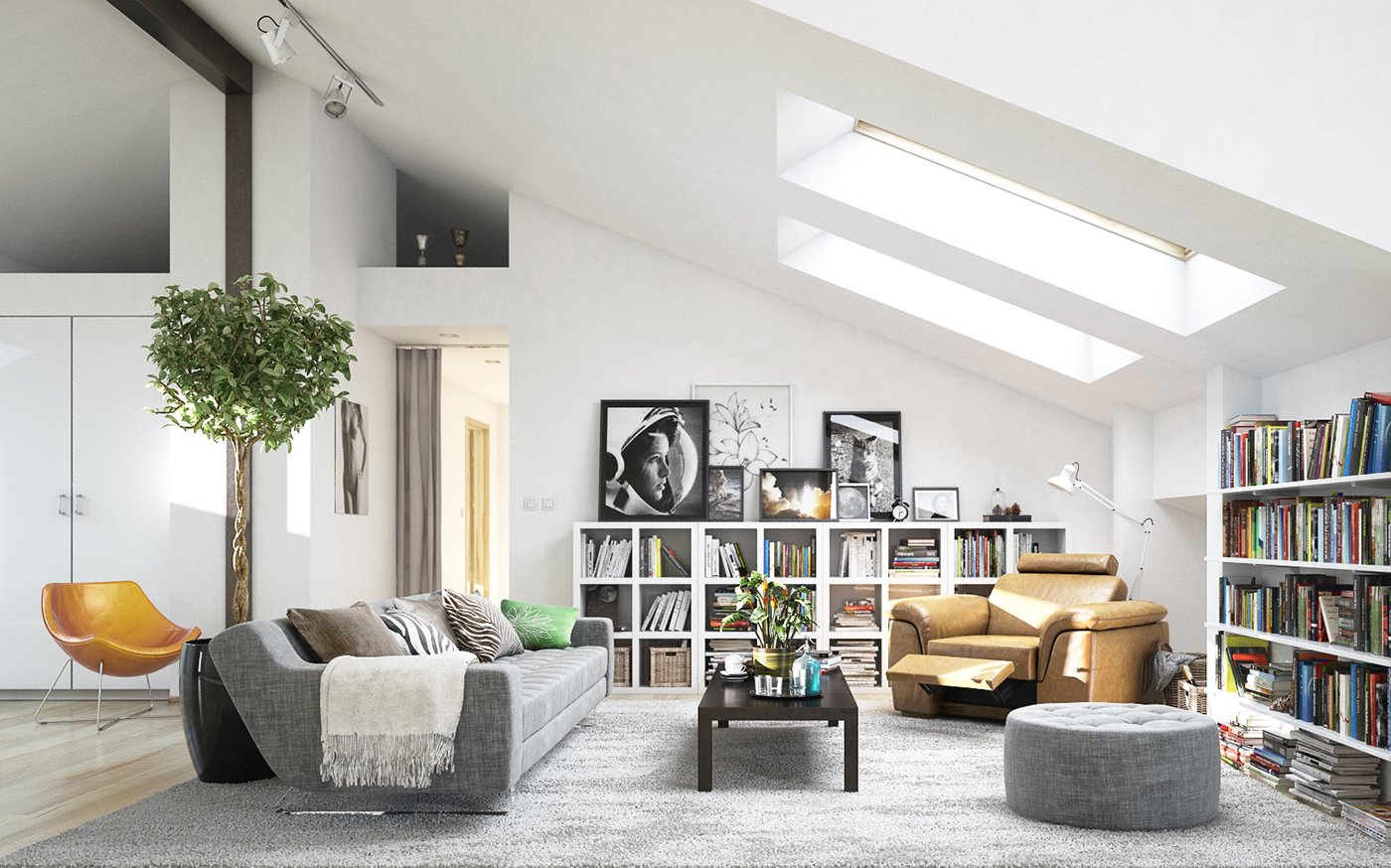
3ds Max Basic to Intermediate Training
By London Design Training Courses
Why Choose 3ds Max Basic to Intermediate Training Course? Course info Looking to take your 3D modelling and animation skills to the next level then Our Intermediate 3DS Max course is designed to help you do just that! A bespoke course ideal for anyone who has a solid understanding of modelling in the 3D environment for films & games. Duration: 20 hrs Method: 1-on-1, Personalized attention. Schedule: Tailor your own schedule and hours of your choice, available from Mon to Sat between 9 am and 7 pm. Why Opt for Our 3ds Max Basic to Intermediate Course? Elevate your 3D modeling and animation skills with our tailored Intermediate 3DS Max course, perfect for those proficient in 3D modeling for films and games. 3ds Max Interface: Familiarize yourself with essential interface areas, tool names, and shortcuts. Master the Scene Explorer for comprehensive scene control. Learn initial software settings for an efficient workflow. Organize your project folder for streamlined work management. Enhance workflow through scene navigation shortcuts and visual styles setup. Understand scene unit configuration for precision. Foundations of 3D Modeling: Acquire industry-standard 3D modeling techniques. Implement compositing modeling with procedural geometry. Utilize non-destructive methods via Modifiers to enhance base geometries. Create 3D models using Splines and modifiers like Extrude, Sweep, and Lathe. Explore Boolean operations for complex shape creation. Delve into Mesh Modeling, enabling manual mesh editing for customized objects. Mesh Modeling: Navigate mesh modeling tools in 3ds Max. Model hard surface objects using mesh modeling and other techniques. Unleash creativity in modeling various objects. Material Creation and Application: Understand material basics and texture application. Create, apply, and resize materials on models. Utilize pictures as references for modeling. Apply multiple materials to one object. Incorporate transparency, reflection, and self-illuminating textures. Utilize images with transparency for intricate texture designs. Camera Control Techniques: Learn camera creation and viewpoint adjustment. Modify camera focal length and lock settings for stability. Adjust camera exposure for desired image brightness. Explore cameras with and without targets, understanding their differences. Lighting: Create realistic lighting using daylight systems. Fine-tune daylight settings based on geographical location. Optimize render settings for high-quality output. Utilize various light types for interior illumination. Master light distribution and apply color filters and textures. Implement HDRI environment images for realistic lighting effects. Animation Essentials: Gain a basic understanding of animation principles. Animate objects manually through keyframing. Create walkthrough animations using cameras and paths. Construct efficient camera rigs for path-based animations. Render animations as video output. Advanced Rendering Techniques: Explore rendering with V-Ray Simulate daylight systems and interior lighting in V-Ray Set up studio lighting configurations in both V-Ray advanced rendering. Course Requirements: A computer with 3ds Max and Vray installed (trial versions available on Autodesk and Chaos Group websites) Basic familiarity with 3D modeling concepts is beneficial but not mandatory Enthusiasm for learning 3ds Max and Vray to create impressive 3D models, visualizations, and animations
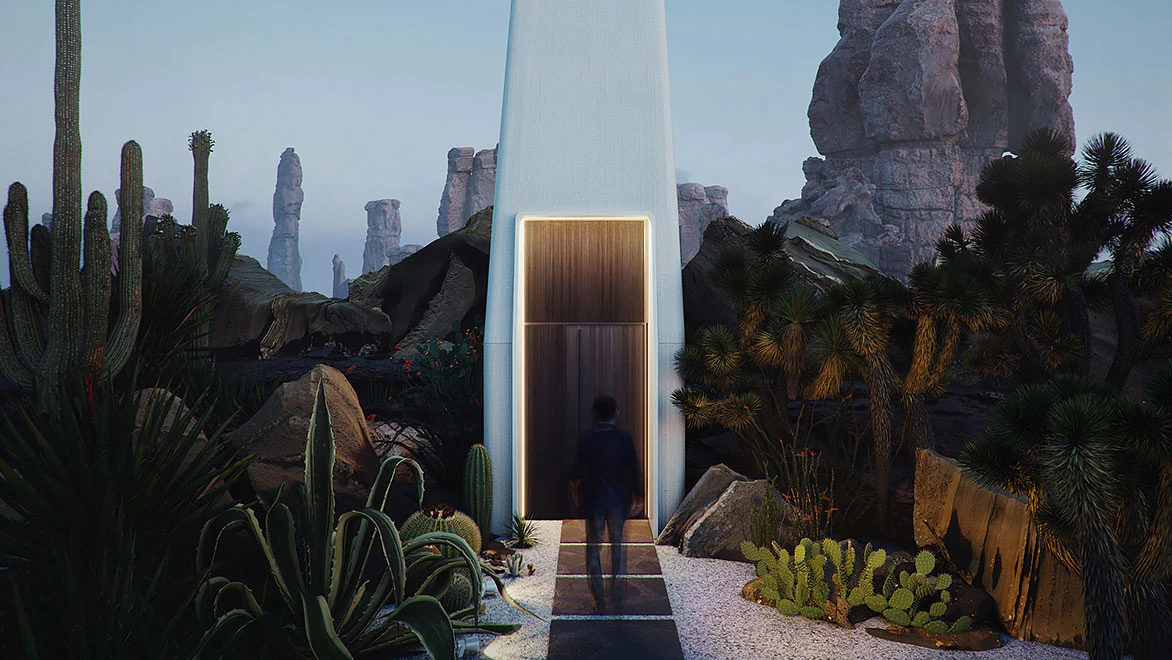
Revit One to One Basic to Advance Weekends Online or Face to Face
By Real Animation Works
Revit face to face training customised and bespoke. Online or Face to Face
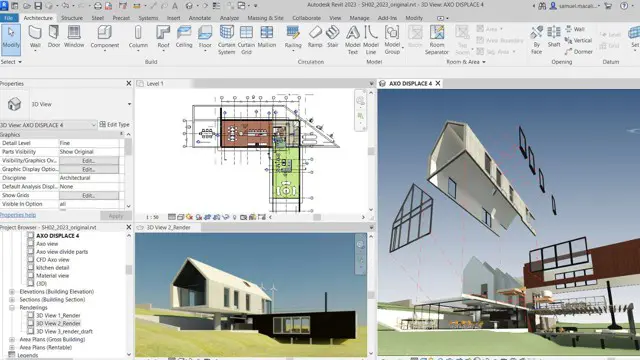
Sketchup One to One Basic to Intermediate Level
By Real Animation Works
Sketchup face to face training customised and bespoke.
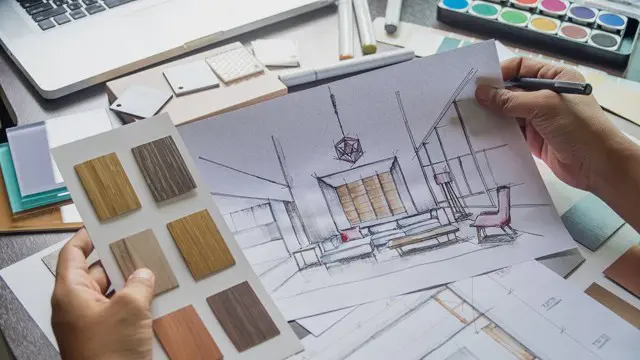
Autodesk Revit Basic to Advanced Training Course 1-2-1
By Real Animation Works
Virtual Revit face to face training customised and bespoke. One to One Online or Face to Face
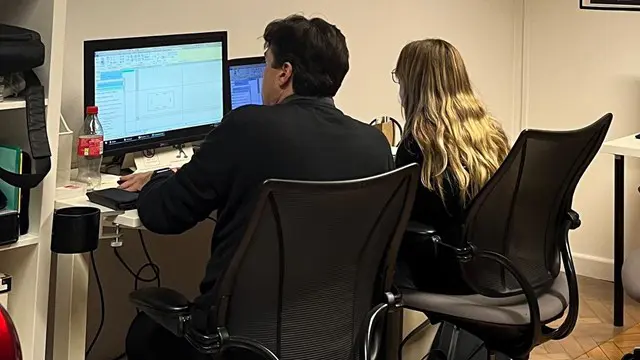
AutoCAD 3D Basics-Advanced Training
By London Design Training Courses
Why Learn AutoCAD 3D Basics-Advanced Training Course? Course Link Learn 3D modeling, materials, lighting, and rendering, and parametric models. Learn real-world Architecture, products, mechanics. Enroll for in-person or online sessions to master AutoCAD 3D. Duration: 16 hrs Method: 1-on-1 Schedule: Tailor your own schedule by pre-booking a convenient hour of your choice, available from Mon to Sat between 9 am and 7 pm. "Dial 02077202581 or WhatsApp 07970325184 to reserve your preferred dates and times. AutoCAD 3D Basics-Advanced Level 1-2-1 Training Course: Comprehensive coverage from basics to advanced techniques. Suitable for beginners and those advancing their 3D modeling skills. Personalized attention in a private learning environment. Experienced instructors with expertise in 3D modeling. Hands-on practice for confident 3D modeling. Flexible scheduling and lifetime email support. Certificate upon course completion for career advancement AutoCAD 3D Basics-Advanced Level 1-2-1 Training Course: Comprehensive coverage from basics to advanced techniques. Suitable for beginners and those advancing their 3D modeling skills. Personalized attention in a private learning environment. Experienced instructors with expertise in 3D modeling. Hands-on practice for confident 3D modeling. Flexible scheduling and lifetime email support. Certificate upon course completion for career advancement AutoCAD 3D Basics to Advanced Level Training Course Outline (10 hours): Session 1: Introduction to 3D Modeling (2 hours) Understanding 3D modeling concepts Working in the 3D Modeling Workspace Drawing 3D objects with Solid tools Extruding 2D polylines to create 3D objects Session 2: Advanced 3D Features and UCS (2 hours) Setting up AutoCAD for advanced 3D modeling Mastering the User Coordinate System (UCS) Using viewports to aid in 3D drawing Efficient modeling with Array tools Session 3: Rendering and Visualization (2 hours) Testing rendering techniques Creating a quick study rendering Simulating natural lighting and the sun Enhancing 3D models with materials and lights Session 4: Editing 3D Solids and Mesh Modeling (2 hours) Understanding solid modeling principles Creating and editing basic solid forms Editing 3D solids and streamlining 2D drawing process Exploring 3D mesh modeling and editing The AutoCAD 3D training course provides a comprehensive understanding of 3D modeling, visualization, and rendering. Participants will learn to create complex 3D models, render realistic visuals, and efficiently customize the AutoCAD interface for improved productivity. Master 3D Modeling: From basics to advanced techniques. Realistic Rendering: Achieve lifelike visualizations. Professional Presentations: Dynamic walkthroughs and showcases. Enhanced Career Opportunities: Stronger prospects in design fields. Personalized Learning: One-to-one attention for focused training. Practical Hands-On Practice: Building confidence in 3D modeling. Lifetime Email Support: Ongoing assistance beyond the course. Certification: Proof of proficiency in AutoCAD 3D modeling.
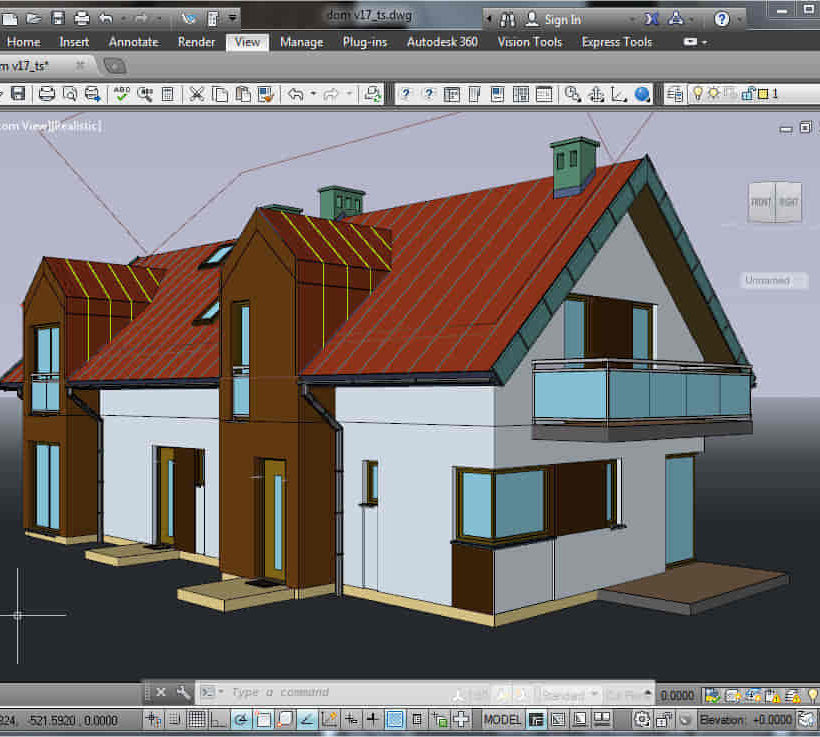
Adobe InDesign and Photoshop Training Courses 1-2-1
By Real Animation Works
Face to Face training customised and bespoke. One to One Online or Face to Face
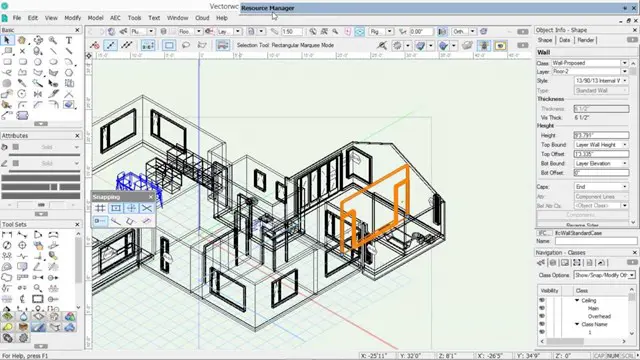
AutoCAD Basics to Intermediate Level Course Bespoke and 1-2-1
By Real Animation Works
Autocad face to face training customised and bespoke.
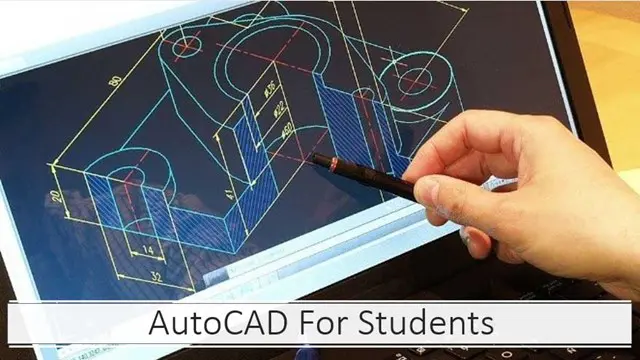
Revit Basic to Advanced Training
By London Design Training Courses
Why Choose Revit Basic to Advanced Training Course? Course info. Revit Basic to Advanced Master complex 3D modeling, BIM workflows, and project phasing. In-person or live online options available. Enroll now to elevate your architectural, engineering, and construction projects with advanced Revit techniques. Duration: 16 hours Methof: Personalized 1-on-1. Customized Schedule: Choose a convenient hour from Mon to Sat between 9 am and 7 pm to create your own schedule. Revit Basic to Advanced Training Course: Learn the fundamentals of Revit for architecture and structural design, supporting BIM workflows for efficient building construction. Delivery Options: In-class at our center Live online sessions Who Should Attend? Ideal for architects, building designers, structural engineers, and general users. Course Outline: I. Introduction to Revit Explore Revit's purpose and applications Familiarize yourself with the user-friendly interface and essential tools Navigate efficiently and control viewports Initiate and save projects for future reference II. Setting up a Project Create new projects and use templates for efficiency Establish project levels, grids, and crucial building information Configure project units for precision and consistency III. Basic Modeling Master the creation and customization of walls, doors, and windows Develop floors, ceilings, and roofs for complete building structures Craft functional and aesthetically pleasing stairs and railings IV. Advanced Modeling Learn to design custom parametric families to enhance productivity Explore conceptual modeling tools for creative freedom Integrate lighting and materials for realistic 3D rendering V. Views and Sheets Efficiently manage views and organize them effectively Generate informative and well-structured sheets for documentation Integrate schedules and tags to enhance information clarity VI. Annotation and Detailing Add clear and concise text and dimensions to your designs Customize detail components for precise annotations Employ symbols and keynote legends for standardized documentation VII. Phasing and Worksharing Grasp the concepts of phasing and design options Manage and modify phases effectively Collaborate seamlessly with worksharing features VIII. Project Collaboration and Management Establish a productive worksharing environment Monitor and track worksets and user activities Synchronize worksets for a coordinated team effort IX. Advanced Documentation Create specialized and advanced schedules for comprehensive project insights Develop legends and keynotes to enhance documentation clarity Finalize construction documents with professional-looking sheets and title blocks X. Conclusion and Next Steps Recapitulate the course content and achievements Receive valuable tips for continuous learning and further resources Engage in a Q&A session to address any remaining queries or concerns For more information and to start your learning journey, visit our website or download the free trial of Autodesk Revit from the provided link: https://www.autodesk.co.uk/autodesk/revit
AutoCAD 3D Modeling Course Training
By Real Animation Works
InDesign face to face training customised and bespoke.