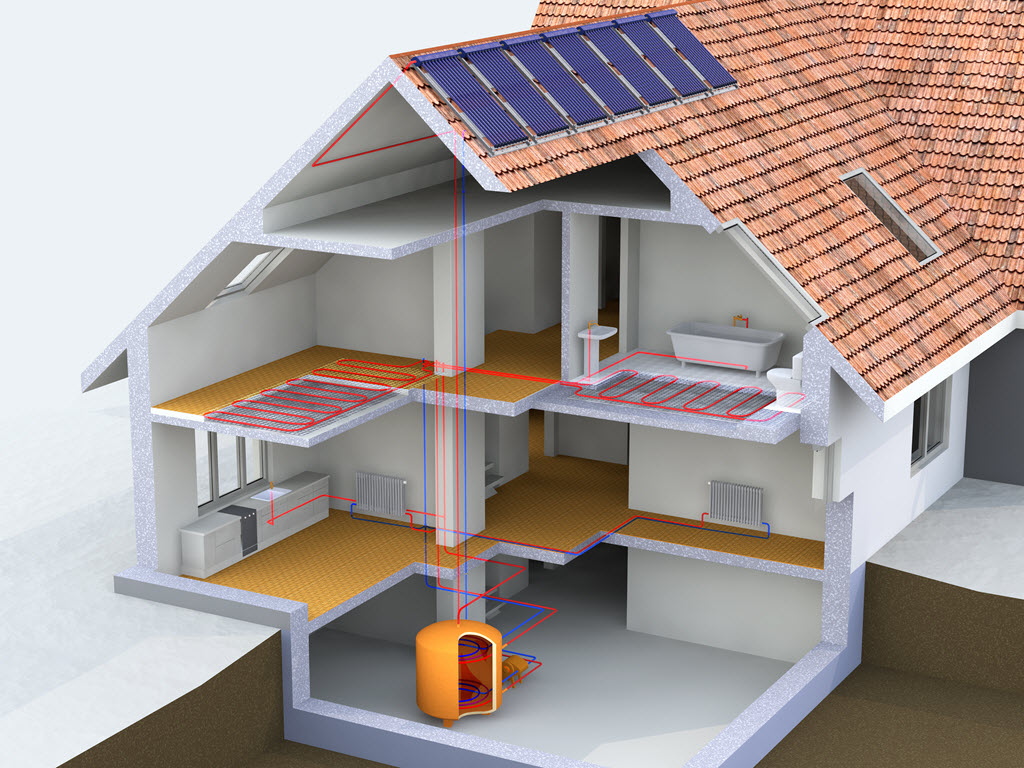
Course Images

Heat Engineer Software Essentials: Navigate, Calculate, and Design

Heat Engineer Software Essentials: Navigate, Calculate, and Design

By Heat Engineer

4.7(58)
  • 30 Day Money Back Guarantee
  • Completion Certificate
  • 24/7 Technical Support

Highlights

  • On-Demand course

  • 2 hours

  • All levels

Description

This course has been created to take you through the steps of completing a survey for a detailed room by room heat loss and heating design report.

We will introduce some innovative ways to learn heat loss calculations, covering a few areas of theory and then moving on to some projects utilising our mobile app, CAD measuring tool, desktop surveys and 3D room scanning.

Access to our comprehensive online training course, "Heat Engineer Software Essentials: Navigate, Calculate, and Design." This course is designed to help you master the key features of our software, perform accurate heat loss calculations, and design efficient heating systems.

You will receive:

A Certificate in Heat Engineer Software Essentials: Navigate, Calculate, and Design

Heat Engineer badges-13.png

course Content

6 sections32 lessons
Getting started6 lessons
  1. A quick overview
  2. The end results - Example of a final report
  3. Dashboard overview
  4. Account and Profile details
  5. 4 ways to complete a survey
  6. Subscription & Role types
Starting a survey7 lessons
  1. Using the app (Android or Apple)
  2. Adding a standard room
  3. Adding a vaulted room
  4. Building materials and emitters
  5. Best practices - surveying onsite
  6. Sending a room by room survey
  7. Review sent surveys
Steps 1 to 88 lessons
  1. Step 1
  2. Step 2
  3. Step 3
  4. Step 4
  5. Step 5
  6. Step 6
  7. Step 7
  8. Review stage
Selecting a heat source type1 lesson
  1. Fuels types and models
Completing your heating design8 lessons
  1. Domestic Hot Water Energy consumption
  2. Emitters and Performance
  3. Emitters and Radiators
  4. Fuel Comparison
  5. Bivalent Design
  6. Photos and Notes
  7. Heating Demand Projection
  8. Summary of results
Reports2 lessons
  1. Summary and full report options
  2. Comparing reports

Reviews

4.9(50)

Material Covered
5
Facilitator
5
Organiser
5
Resources Provided
5
Location/Delivery
5
Communication
5
NB
Verified

The course was helpful to understand how to navigate the software.

TP
Verified
BB
Verified
NB
Verified

The course was helpful to understand how to navigate the software.

TP
Verified
BB
Verified
KJ
Verified

found this quick how to use guide very helpfull

PF
Verified

Great well explained course.

Recommended Courses